

Turn an HTML File into a PDF Document
Convert an HTML file to PDF for reading, sharing, or archiving web content.
 HTML to PDF
Convert an HTML file into a PDF document for sharing, printing, or keeping a document copy.
Follow three simple steps to convert HTML to PDF.
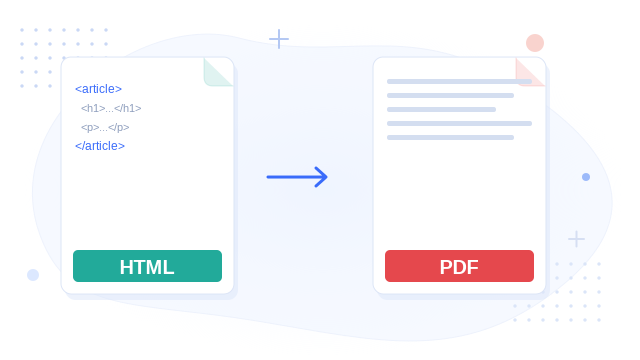
Select your .html file, or drag and drop it into the upload area.
Sign in to your ComPDF account to continue processing the uploaded file.
Download your converted PDF file when processing is complete.
Core Capabilities
Create a fixed document for reference or delivery and retain HTML for ongoing web updates.
Convert an HTML file to PDF for reading, sharing, or archiving web content.

Capture HTML content in a fixed PDF for reading or submission. Check layout, images, fonts, and links after conversion.

Continue updating the HTML source and use the PDF for sharing or retention.

Upload an .html source file from your device. This tool accepts a file rather than a live website URL.
Developer Integration
Add this document task to the application or workflow where your files already arrive.
Use the HTML to PDF API to process incoming documents in your own application or backend workflow. Configure the request parameters in the API documentation for your files.
curl --request POST \
  --url https://api-server.compdf.com/server/v2/process/html/pdf \
  --header 'x-api-key: YOUR API-KEY' \
  --form [email protected] \
--form [email protected]Use Cases
Use PDF versions of HTML material for handoffs, team review, and offline reading.

Create a PDF snapshot of product information for a handoff or project record.

Share an HTML procedure as a PDF for team reading, review, or approval.

Prepare a PDF when the recipient requires a document attachment rather than HTML.

Create a PDF handout for meetings or readers who need a document outside the browser.
Related Tools
Explore free online PDF tools to convert, edit, and manage your documents.
 PDF to HTMLConvert PDF content to HTML
 Word to PDFShare Word files as PDFs
 Image to PDFCreate PDFs from images
 Merge PDFCombine PDFs into one file
 Compress PDFReduce PDF file size
 Encrypt PDFAdd PDF password protection
 Add WatermarkAdd text or image watermarks
 Split PDFSeparate selected PDF pages
Bring the same PDF capabilities into your app, workflow or backend with the ComPDF API.
Detailed developer docs · Flexible plans · Custom solutions