Understand the View
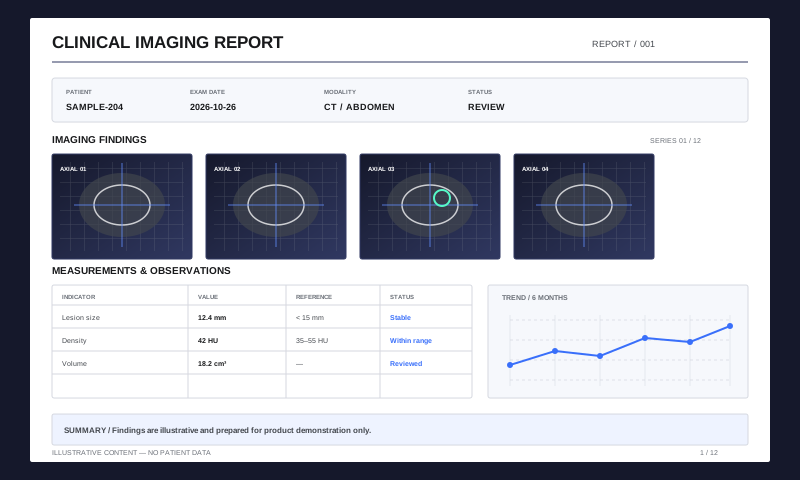
Detect scrolling, zooming, and reading states to identify the content users need now.
High-Performance PDF Rendering
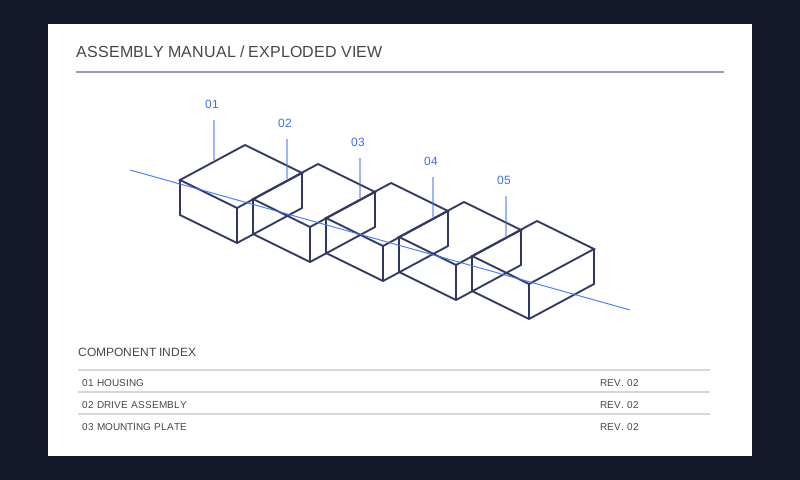
Keep large drawings, image-heavy files, and long documents responsive with viewport-aware rendering, cache reuse, and device-adaptive resources.
Integrate PDF Functionality on All Platforms
Recognize reading, scrolling, and zooming states, prioritize visible tasks, and cancel outdated work. Worker-based scheduling reduces the impact of background processing on the interface.
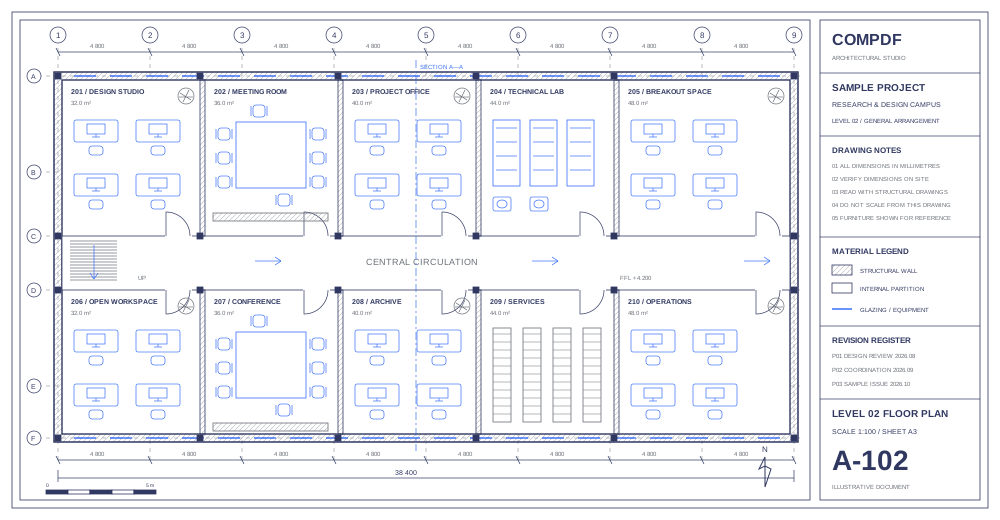
Adjust rendering, caching, and memory use to the device. Use GPU-accelerated composition where supported, with Canvas 2D fallback when unavailable.
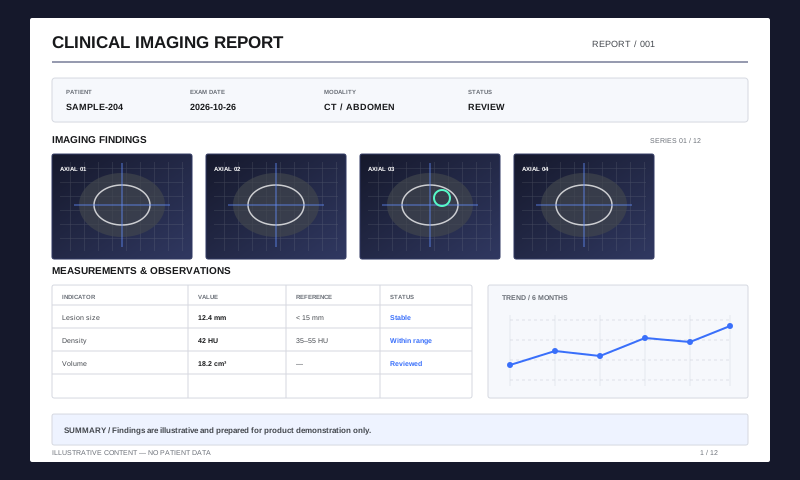
Detect scrolling, zooming, and reading states to identify the content users need now.
Schedule visible content and cancel work that no longer matches the page or zoom state.
Reuse available results and adapt resources to the device as sharper content becomes ready.
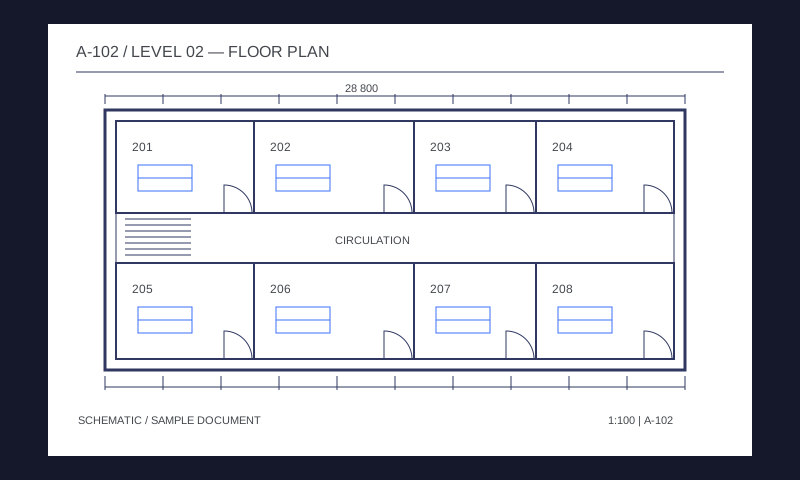
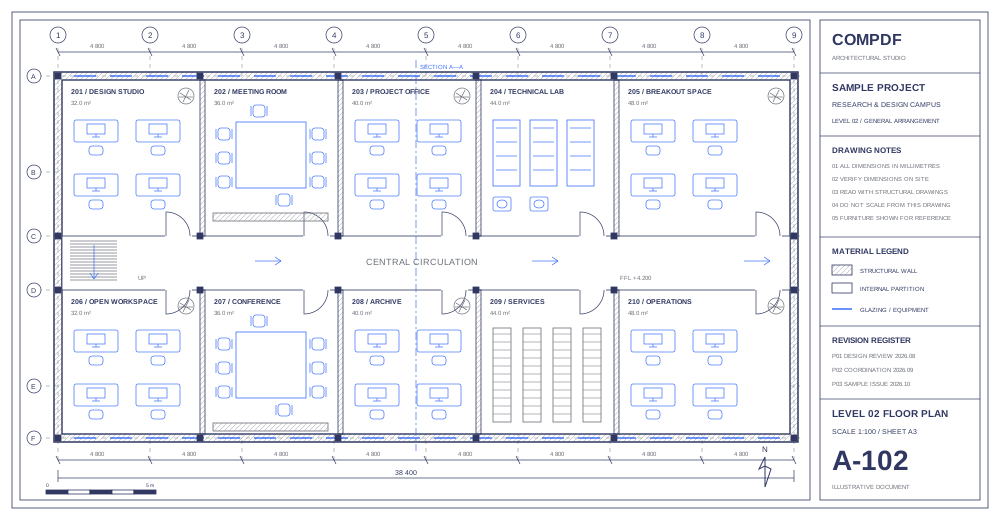
Navigate large drawings, inspect fine lines and labels, and move between annotation, measurement, and revision review.
Get a SolutionMais bibliotecas são fornecidas para reduzir o ciclo de desenvolvimento do seu projeto.
Integre facilmente as funcionalidades do PDF com nosso poderoso SDK e documentação e guias claros com poucas linhas de código.
Projete uma interface exclusiva para seus produtos com código-fonte de UI totalmente personalizável por um SDK de alto desempenho.
Bibliotecas SDK abrangentes economizam seu tempo e despesas e implementam seus aplicativos e projetos.
Fornece suporte técnico e serviços profissionais 24/5 e 1-to-1. Serviço no local ou suporte remoto, como telefone e e-mail, estão disponíveis.