Understand the View
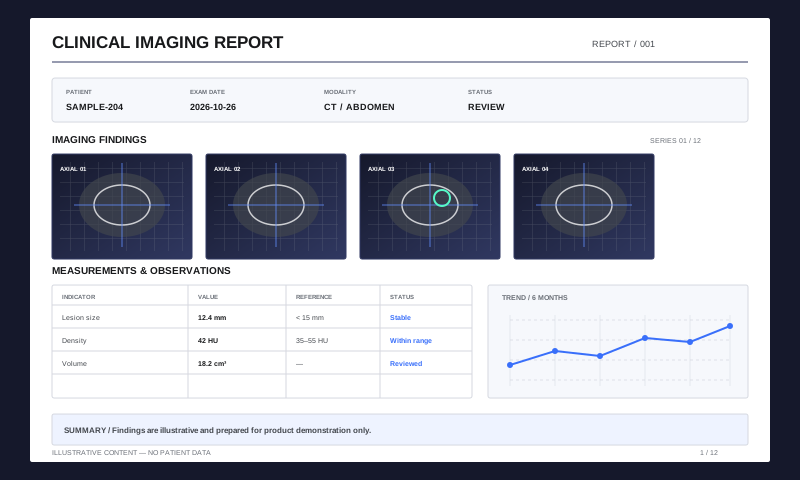
Detect scrolling, zooming, and reading states to identify the content users need now.
High-Performance PDF Rendering
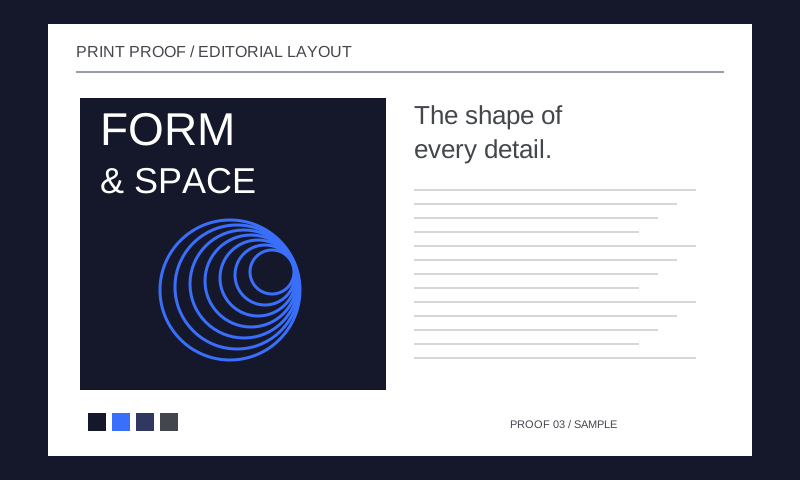
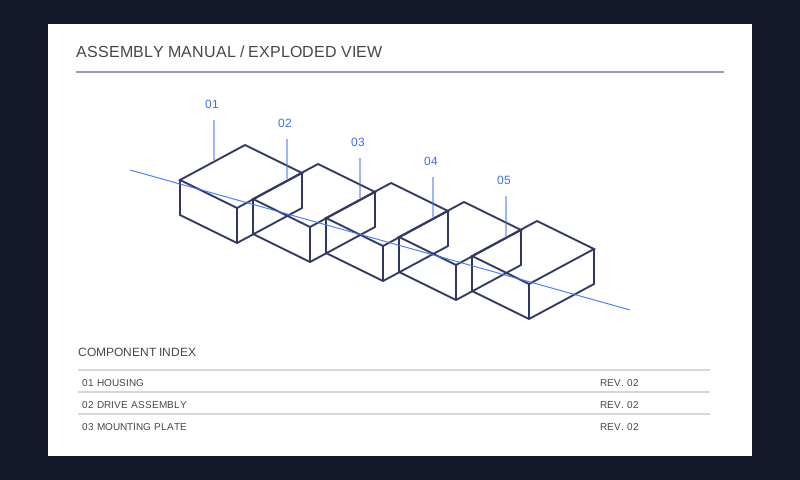
Keep large drawings, image-heavy files, and long documents responsive with viewport-aware rendering, cache reuse, and device-adaptive resources.
Integrate PDF Functionality on All Platforms
Recognize reading, scrolling, and zooming states, prioritize visible tasks, and cancel outdated work. Worker-based scheduling reduces the impact of background processing on the interface.
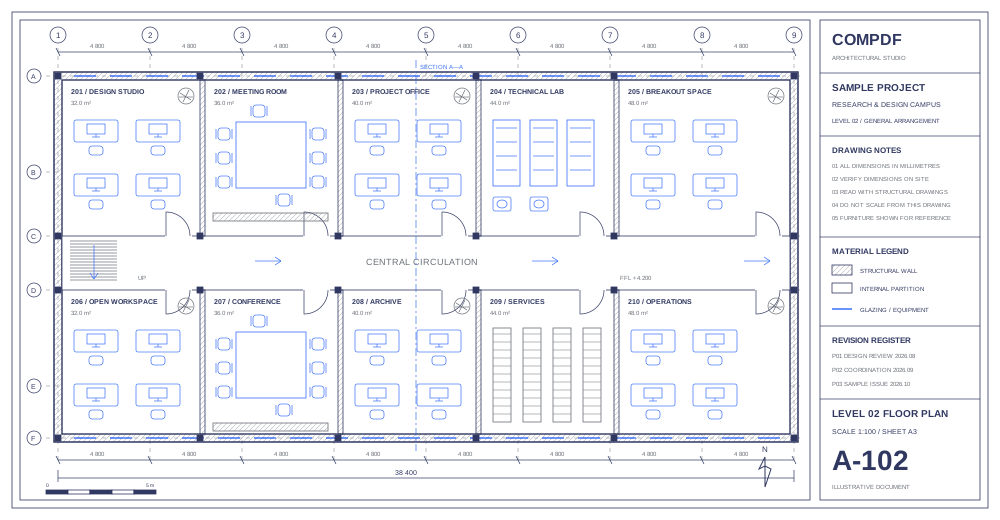
Adjust rendering, caching, and memory use to the device. Use GPU-accelerated composition where supported, with Canvas 2D fallback when unavailable.
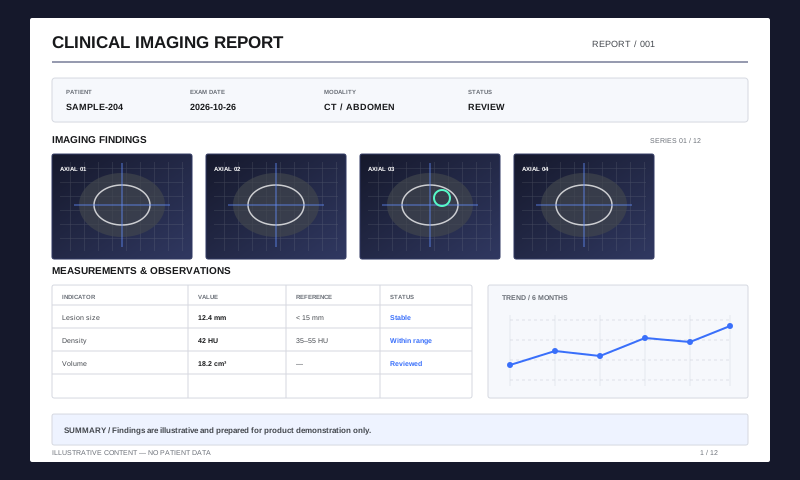
Detect scrolling, zooming, and reading states to identify the content users need now.
Schedule visible content and cancel work that no longer matches the page or zoom state.
Reuse available results and adapt resources to the device as sharper content becomes ready.
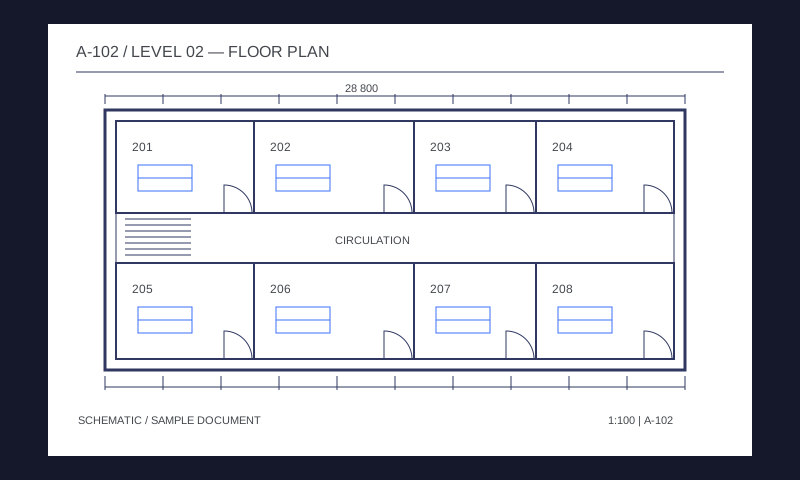
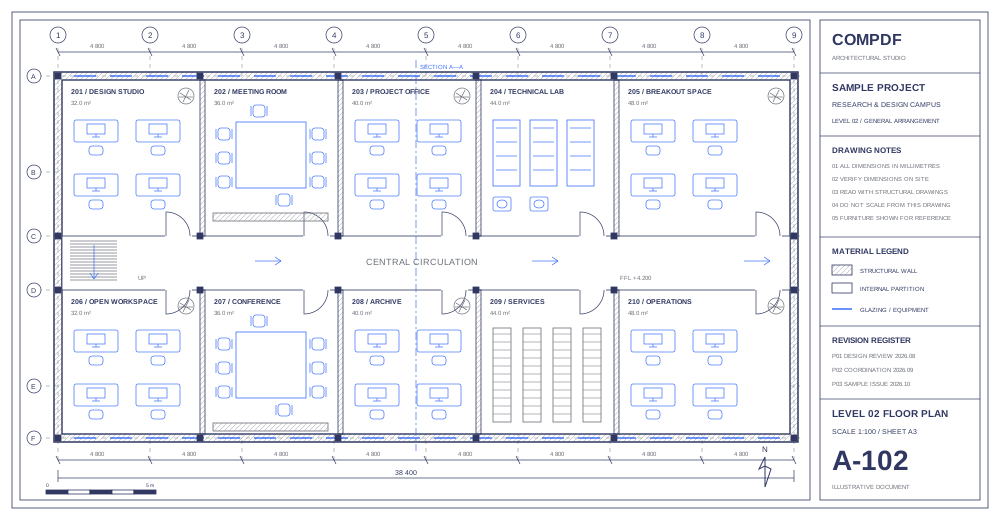
Navigate large drawings, inspect fine lines and labels, and move between annotation, measurement, and revision review.
Get a SolutionEs werden mehr Bibliotheken bereitgestellt, um den Entwicklungszyklus Ihres Projekts zu verkürzen.
Integrieren Sie PDF-Funktionen einfach mit unserem leistungsstarken SDK und einer klaren Dokumentation und Anleitungen mit wenigen Codezeilen.
Entwerfen Sie eine einzigartige Schnittstelle für Ihre Produkte mit vollständig anpassbarem UI-Quellcode durch einen leistungsstarken SDK.
Umfangreiche SDK-Bibliotheken sparen Ihnen Zeit und Kosten und führen Ihre Anwendungen und Projekte ein.
Bietet professionellen 24/5 und technischen Support und Dienstleistungen von 1 bis 1. Vor-Ort-Service oder Remote-Support wie Telefon und E-Mail sind verfügbar.