Understand the View
Detect scrolling, zooming, and reading states to identify the content users need now.
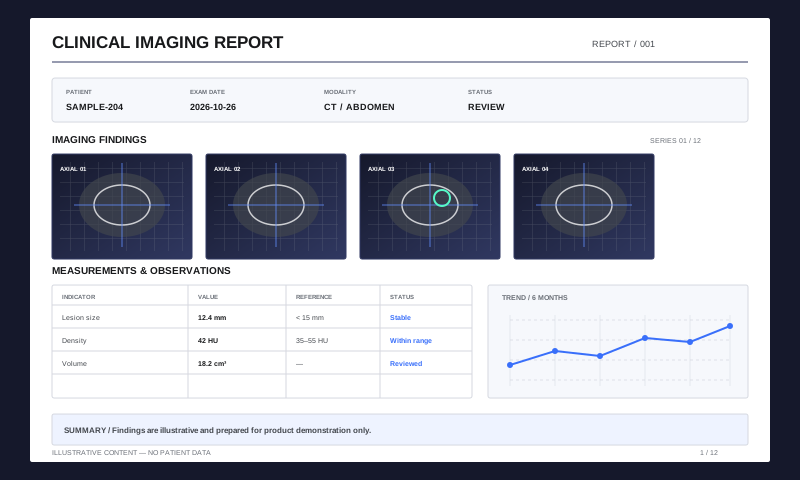
High-Performance PDF Rendering
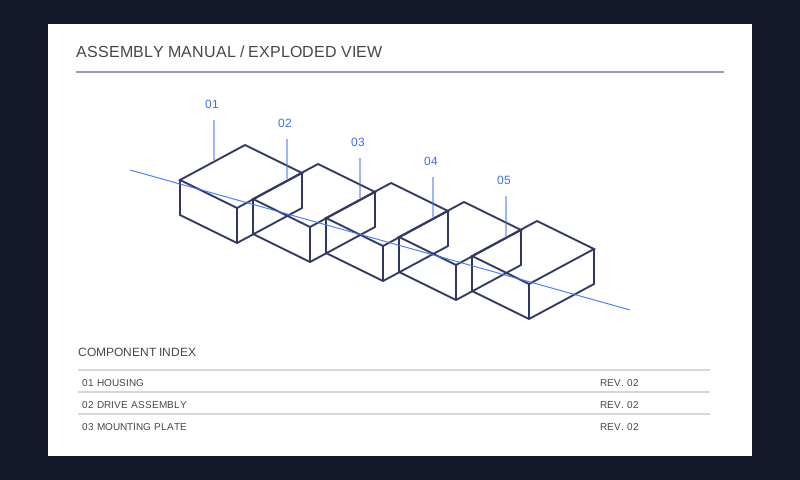
Keep large drawings, image-heavy files, and long documents responsive with viewport-aware rendering, cache reuse, and device-adaptive resources.
Integrate PDF Functionality on All Platforms
Recognize reading, scrolling, and zooming states, prioritize visible tasks, and cancel outdated work. Worker-based scheduling reduces the impact of background processing on the interface.
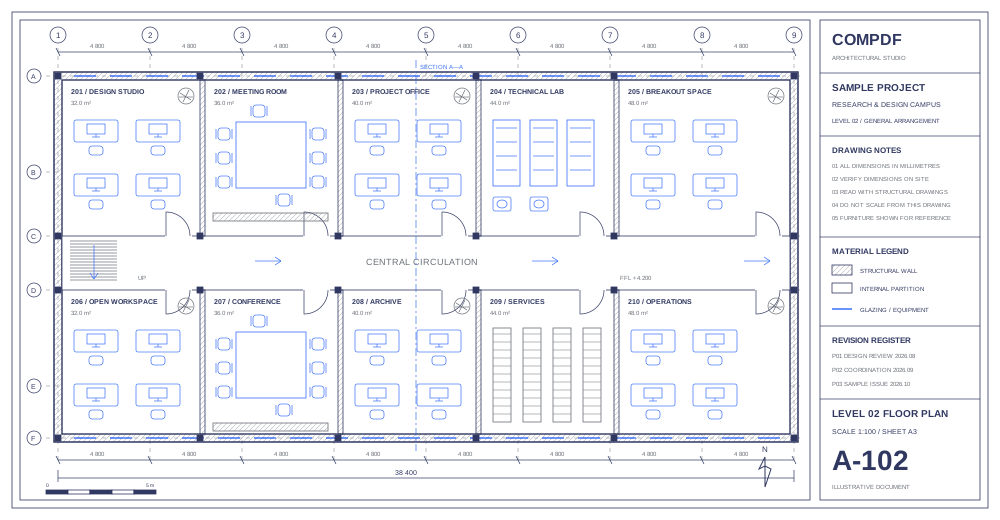
Adjust rendering, caching, and memory use to the device. Use GPU-accelerated composition where supported, with Canvas 2D fallback when unavailable.
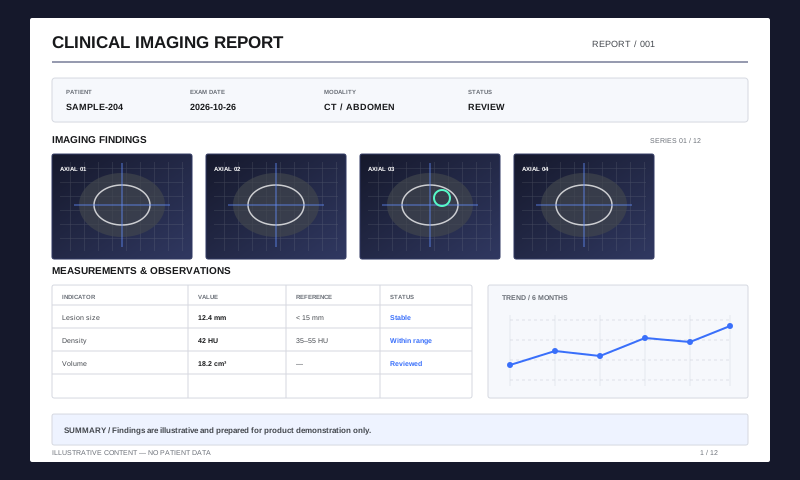
Detect scrolling, zooming, and reading states to identify the content users need now.
Schedule visible content and cancel work that no longer matches the page or zoom state.
Reuse available results and adapt resources to the device as sharper content becomes ready.
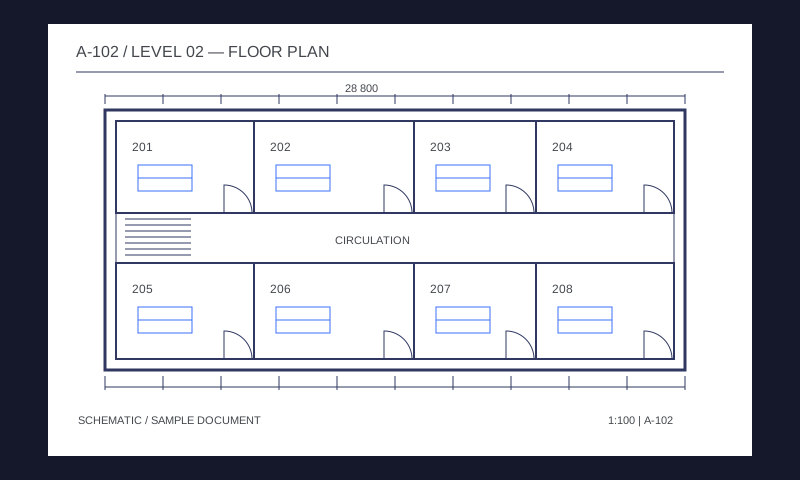
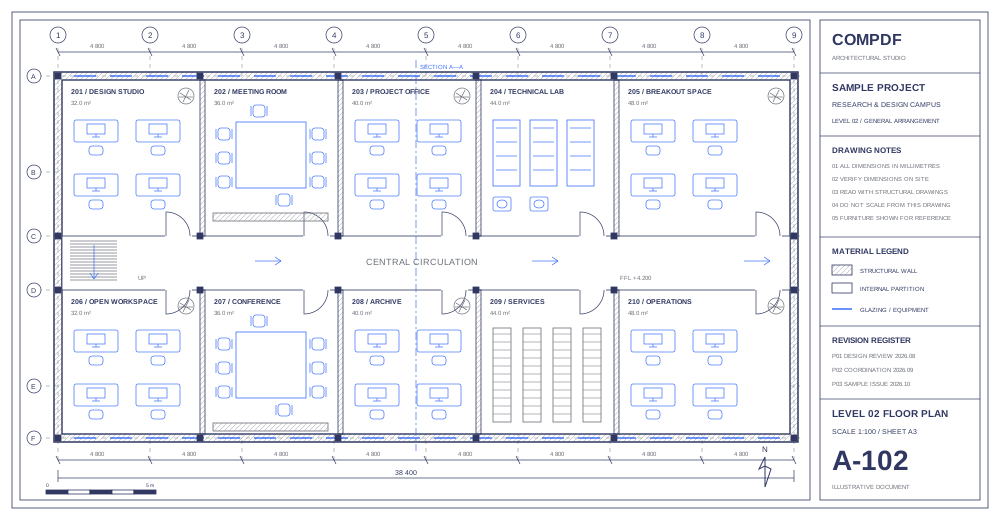
Navigate large drawings, inspect fine lines and labels, and move between annotation, measurement, and revision review.
Get a SolutionPlus de bibliothèques sont fournies pour raccourcir le cycle de développement de votre projet.
Intégrez facilement les fonctionnalités de PDF avec notre puissant SDK et une documentation et des guides clairs avec quelques lignes de code.
Concevez une interface unique pour vos produits avec un code source d'interface utilisateur entièrement personnalisable grâce à un SDK hautes performances.
Les bibliothèques complètes SDK vous font gagner du temps et de l'argent et déploient vos applications et projets.
Fournit une assistance et des services techniques professionnels 24/5 et 1-à-1. Un service sur site ou une assistance à distance comme le téléphone et le courrier électronique sont tous disponibles.