
PDF Generation Template Editor
Open-source visual PDF generation engine with customizable templates and developer-friendly APIs.
ComPDF Self-Hosted provides an open-source PDF editor, open-source PDF converter, and open-source image converter center that can be used directly in the browser.
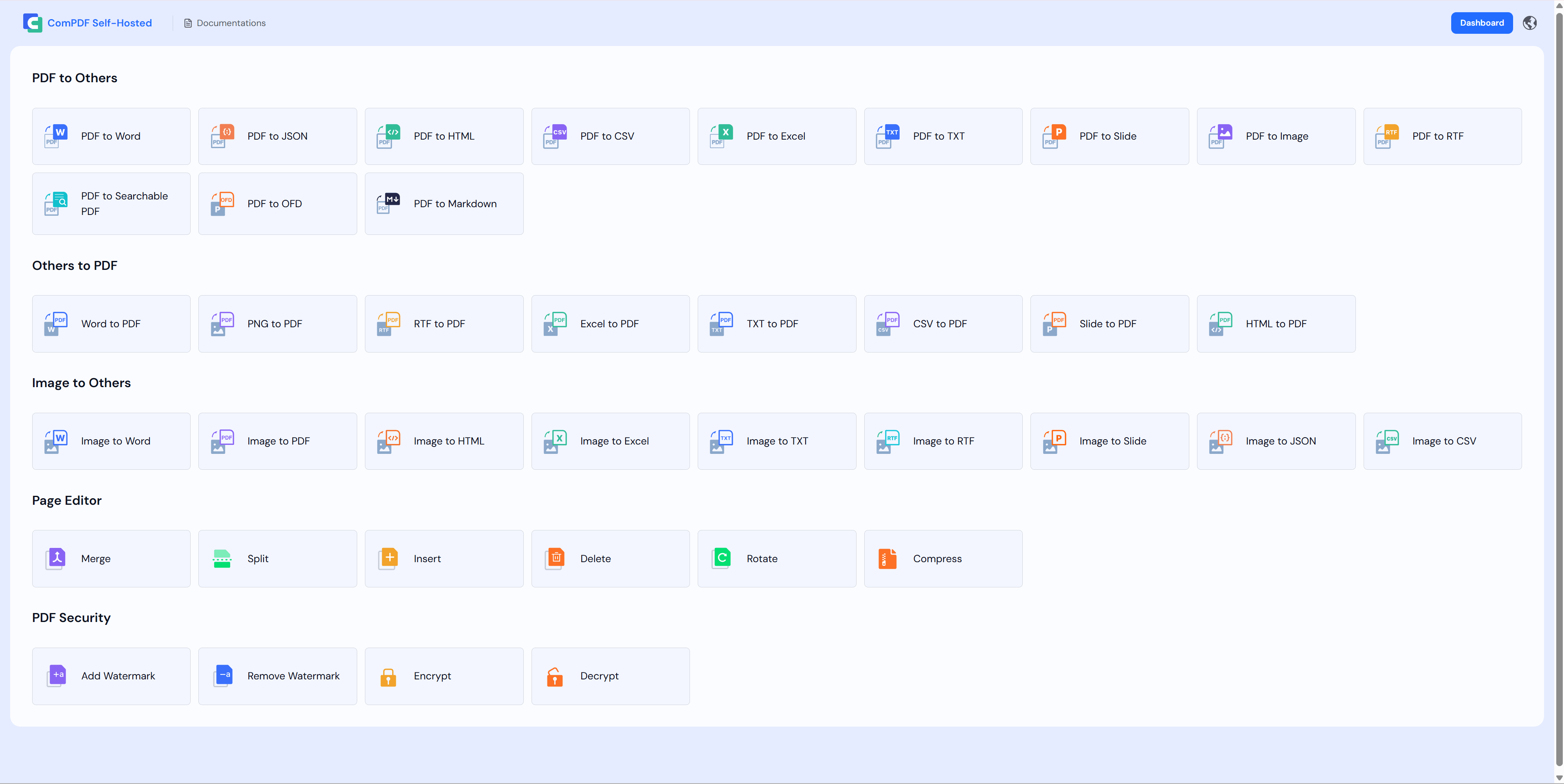
| Capability Category | Description |
|---|---|
| PDF Editing | Merge PDF, Split PDF, Rotate PDF, Insert Page, Delete Page, Extract Page, Add Watermark, Remove Watermark, Encrypt PDF, Decrypt PDF |
| PDF to Other Formats | PDF to Word, PDF to Excel, PDF to Slide, PDF to Image (PNG, JPG, JPEG, JPEG2000, BMP, TIFF, TGA, GIF, WEBP), PDF to HTML, PDF to TXT, PDF to CSV, PDF to RTF, PDF to JSON, PDF to SearchablePDF, PDF to OFD, PDF to Markdown |
| Other Formats to PDF | Word to PDF, Excel to PDF, Slide to PDF, HTML to PDF, TXT to PDF, CSV to PDF, RTF to PDF, PNG to PDF |
| Image to Other Formats | Image to Word, Image to Excel, Image to Slide, Image to HTML, Image to CSV, Image to TXT, Image to RTF, Image to JSON, Image to PDF |
After starting the service, visit the following address in your browser:
http://localhost:8080 :::ComPDF Self-Hosted provides a unified management console for viewing API Keys, API call statistics, and License status, and supports core functions such as operation log auditing, account management, and basic system configuration.
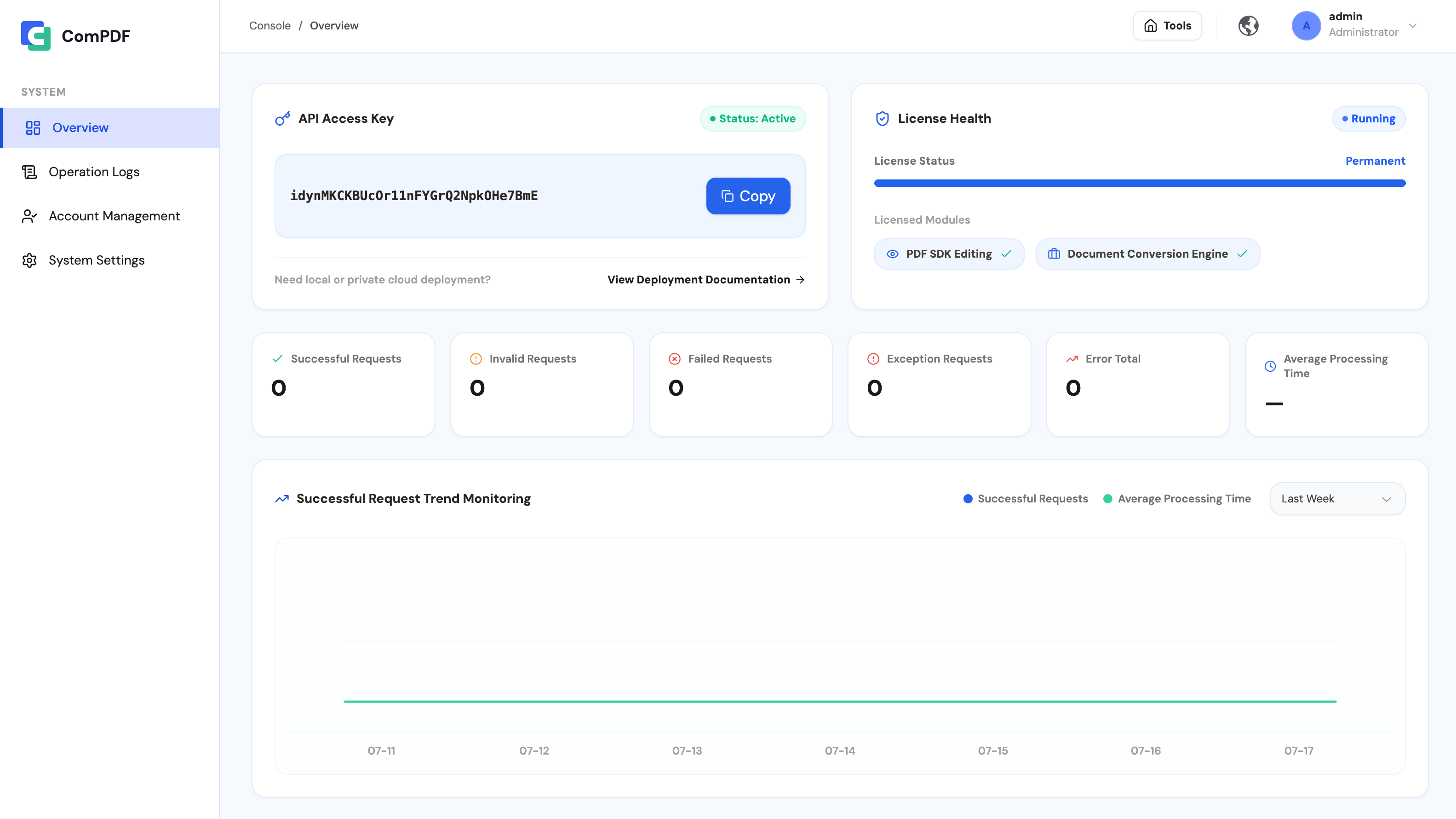
After starting the service, visit the following address in your browser:
http://localhost:8080/adminUpon initial deployment, the default administrator account and password for the Dashboard are:
adminadmin