
PDF Generation Template Editor
Open-source visual PDF generation engine with customizable templates and developer-friendly APIs.
Extract text, tables, and images from PDF documents to a JSON file.
Commonly, tables can be divided into two categories: standard tables and non-standard tables. The specific definitions are as follows:
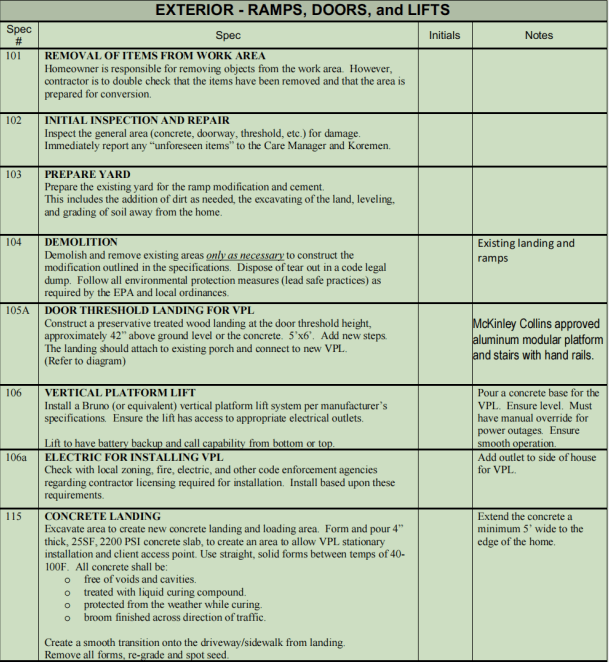
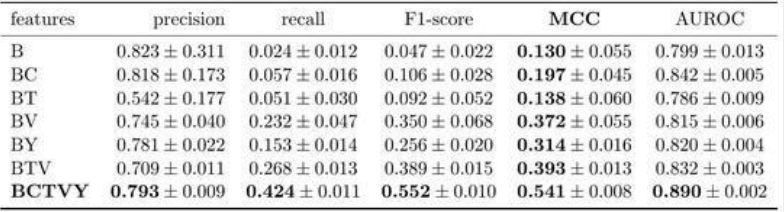
ComPDF Conversion SDK supports the option json_contain_table. When enabled, table content is extracted from PDFs together with table structure; otherwise, table content is treated as regular text.
Full sample code which illustrates the text extraction capabilities.
input_file_path = "***"
password = "***"
output_file_name = "***"

json_options = ConvertOptions()
error = CPDFConversion.start_pdf_to_json(input_file_path, password, output_file_name, json_options)