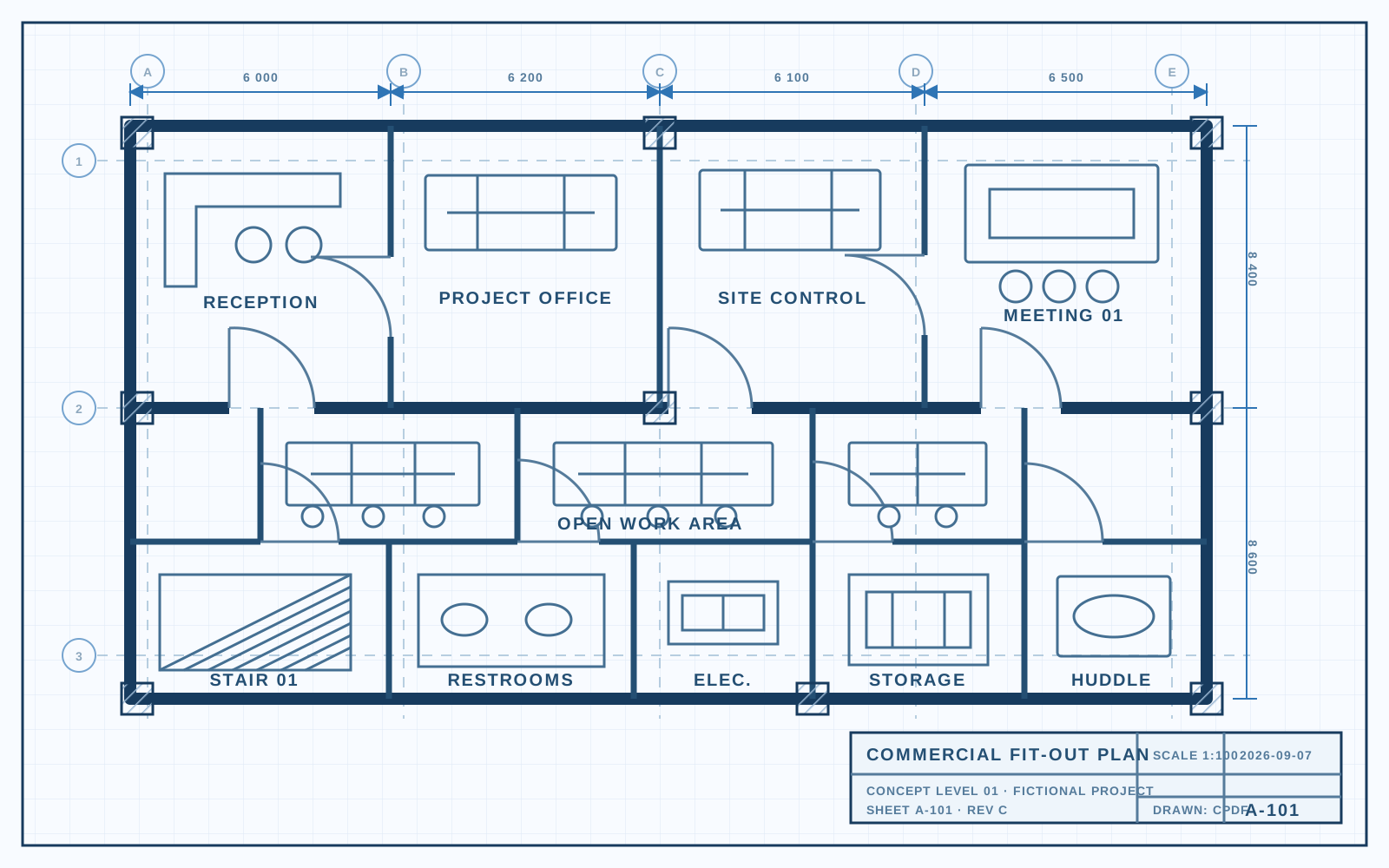
FEATURES
Construction PDF Viewer
Render complex drawings clearly across web, desktop, and mobile applications.
- Large blueprint rendering
- Multi-page documents
- CAD-generated PDFs
- Mobile viewing
Add blueprint viewing, annotations, document comparison, PDF generation, signatures, and AI document intelligence to your construction platform without building PDF technology from scratch.
Platform support
Render complex drawings clearly across web, desktop, and mobile applications.
Give project teams the tools to review plans, capture feedback, and resolve field issues.
Calculate distance and area directly on scale-aware construction drawings.
Compare drawing revisions and identify design changes before work moves forward.
Digitize inspections, safety checks, and field reporting inside your platform.
Capture approvals and engineering signoffs without moving documents between systems.
Generate standardized project records from construction data and workflows.
Turn scanned plans and site records into searchable, selectable PDF documents.
Extract structured project information from construction documents with ComPDF AI.
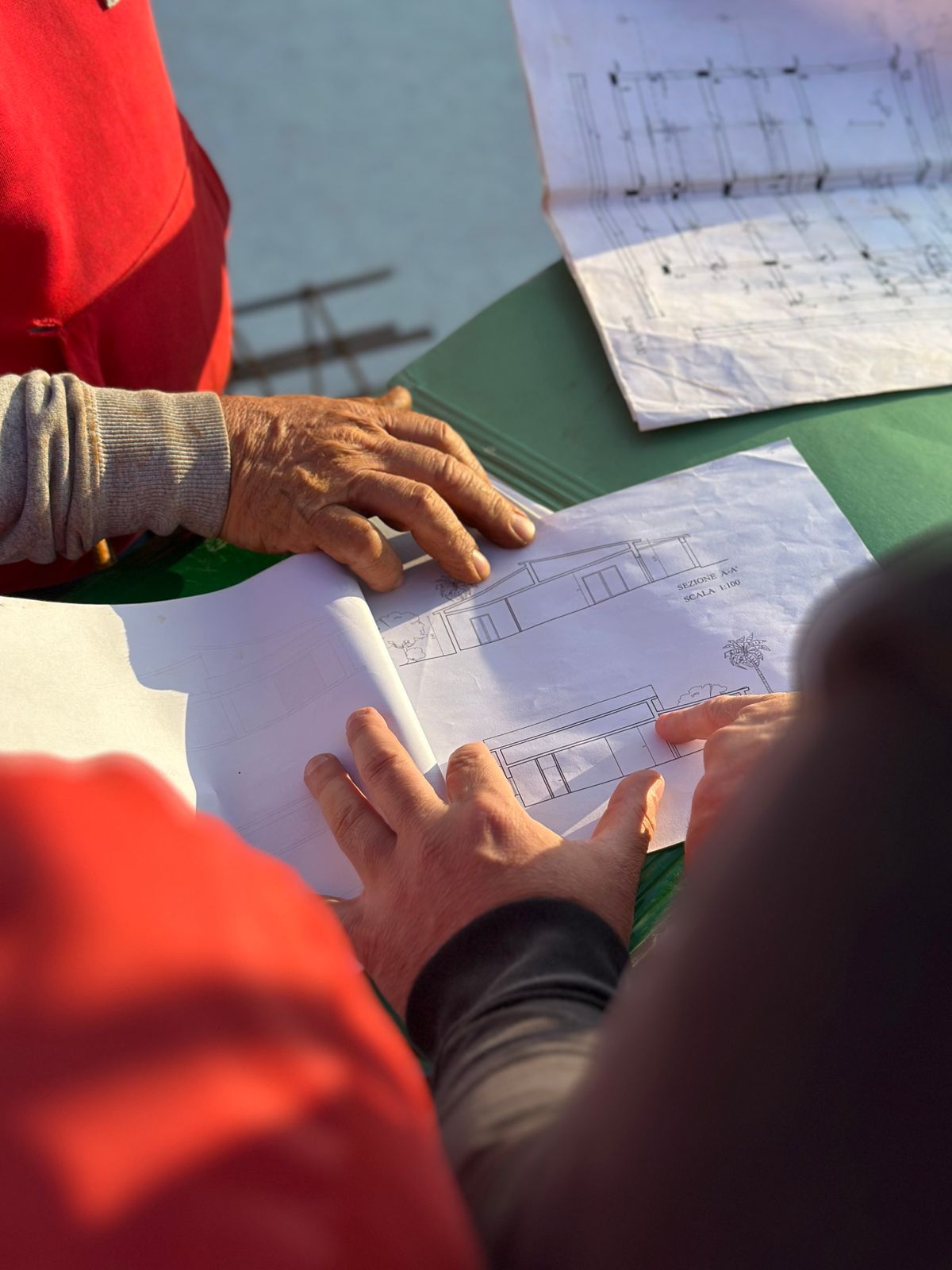
Review large drawings, compare revisions, and capture markups without leaving the project workspace.

Embed PDF viewing and document actions beside project, cost, and resource records.

Keep plans, comments, and approvals connected to schedules and project activity.

Open tender documents, annotate scope details, and organize bid-ready PDFs in one workflow.

Give site teams mobile access to drawings, forms, and handoff-ready PDF records.

Record findings, attach visual evidence, and generate consistent inspection reports.

Review controlled documents, collect signatures, and preserve traceable PDF records.

Share current plans, capture field updates, and keep subcontractor documentation aligned.
Explore PDF SDK functionality in an interactive product experience.
Use the resources required to evaluate, integrate, and deploy ComPDF in your construction software.
import { ComPDFViewer } from "@compdf/web-sdk";

const viewer = new ComPDFViewer({
  container: "#viewer",
  documentUrl: "/construction-blueprint.pdf",
  enableAnnotations: true,
  enableMeasurementTools: true,
  enableComparison: true
});

viewer.load();Follow construction documents through each layer of the embedded ComPDF architecture.
Choose the deployment model that fits your construction software architecture.
Deploy document processing and AI services quickly across connected field service workflows.
Maintain control over processing, access, and operational boundaries.
Support controlled infrastructure and data governance for distributed service teams.
Keep document review and approvals moving when technicians work beyond the network.
Keep document viewing and construction workflows available in controlled offline environments.
Run PDF processing inside infrastructure managed by your organization.
Use dedicated cloud infrastructure aligned with enterprise governance requirements.
Control document and workflow access according to user roles and responsibilities.
Protect construction documents and workflow data during transfer and storage.
Preserve traceable activity records while keeping data in approved regions.
Compare the deployment, platform, and document intelligence options published by leading PDF technology providers.
| Capability | ComPDFBuilt for embedded workflows | Adobe Acrobat Services | Apryse | Nutrient | Aspose.PDF | iText |
|---|---|---|---|---|---|---|
| Construction workflow supportPublicly documented construction-specific positioning or examples. | Dedicated construction solution | General document APIs | Construction measurement demo | Construction solution listed | General PDF product family | General PDF SDK |
| Browser viewing and markupEmbeddable browser technology for displaying or working with PDFs. | Web SDK with viewer UI | PDF Embed API | WebViewer SDK | Web Viewer SDK | JavaScript browser toolkit | Not identified as a browser viewer |
| Native and cross-platform mobilePublished SDKs for mobile product development. | iOS, Android, Flutter, React Native | Not identified for Acrobat Services | iOS and Android SDKs | iOS, Android, Flutter, React Native | Android via Java | Not identified in product catalog |
| Deployment controlWhere document viewing or processing can run. | Local SDK, cloud API, self-hosted | Client-side Embed; cloud processing | Client-side and self-hosted server SDK | Client, cloud, managed, self-hosted | On-premises APIs and cloud SDKs | Embedded Java or .NET library |
| AI and structured extractionPublished capabilities that turn document content into structured output. | AI field and table extraction | AI-powered Extract API to JSON | Self-hosted smart data extraction | AI data extraction and self-host options | AI extraction not identified | OCR add-on; AI extraction not identified |
| Published licensing pathPublicly stated production or distribution licensing options. | Subscription or OEM | Free Embed; usage or contract Services | Commercial production license | Annual components; OEM available | Perpetual, OEM, SDK, or metered | AGPL or commercial; OEM available |
Evaluate ComPDF SDK and ComPDF AI for embedded blueprint viewing, annotations, document comparison, PDF generation, signatures, and flexible deployment.