
PDF Generation Template Editor
Open-source visual PDF generation engine with customizable templates and developer-friendly APIs.
PDF Generation SDK for Java provides multiple demos for developers to learn how to call the SDK on Java applications. You can find them in the "samples" folder. In this guide, we take "ConvertToPdf" as an example to show how to run it on Java applications.
Import the "samples" project on IDE.
Navigate to the "JAVA" folder which is in "ConvertToPdf" file and run the sample with. For example /samples/ConvertToPdf/JAVA.
./RunTest.sh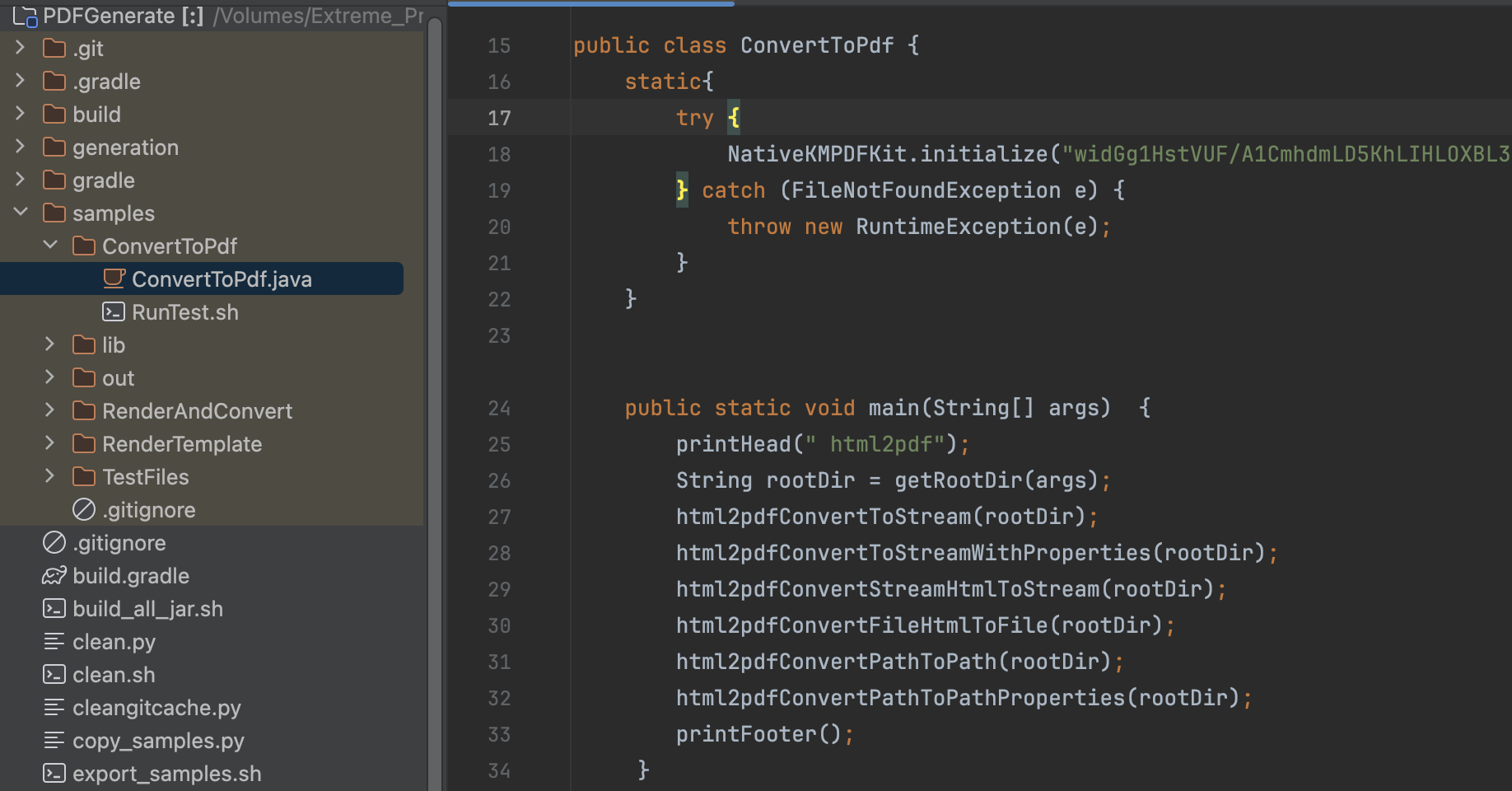
Note: This is a demo project, presenting completed PDF Generation SDK functions. The functions might be different based on the license you have purchased. Please check that the functions you choose work fine in this demo project. The output files will be in /samples/out.
This section will help you to quickly get started with PDF Generation SDK to make a Java application with step-by-step instructions.
Java project struct:

#Test is the name of the class to be executed, which is the class that contains the main method in the Java project.
TEST_NAME=Test
#The name of the jar file provided in the SDK.
JAR_NAME=generation-1.0.0.jar
#Java project root dictory
ROOTDIR=$(pwd)
#Jar package path of the generation lib.
LIB_DIR=$(pwd)/lib
#Pass jar package path,and compile java file.
javac -cp $LIB_DIR/$JAR_NAME *.java
java -Djava.library.path=LIB_DIR -cp .:$LIB_DIR/$JAR_NAME $TEST_NAME $ROOTDIR
#Delete the unnecessary intermediate generated files.
rm -rf pdfgeneration
rm -rf *.class./RunTest.sh.