
ComPDF
Contact Sales
Free Trial
Construction workflow modernization

Digital Change Orders Built for Modern Construction Workflows

Generate, review, annotate, approve, and archive construction change orders directly within your applications using ComPDF SDK and ComPDF AI.

PDF generationDigital approvalsAI extraction
CHANGE-ORDER-WORKBENCH
Field issuecapture
Generate request PDFcompose
Annotate and reviewcollaborate
Approval and signatureauthorize
AIExtract and syncconnect
Change Order Workflow

Connect Every Change Order Handoff

Replace disconnected documents with one visible flow from field request to approved, structured records.

01
Capture The Request workflow illustration

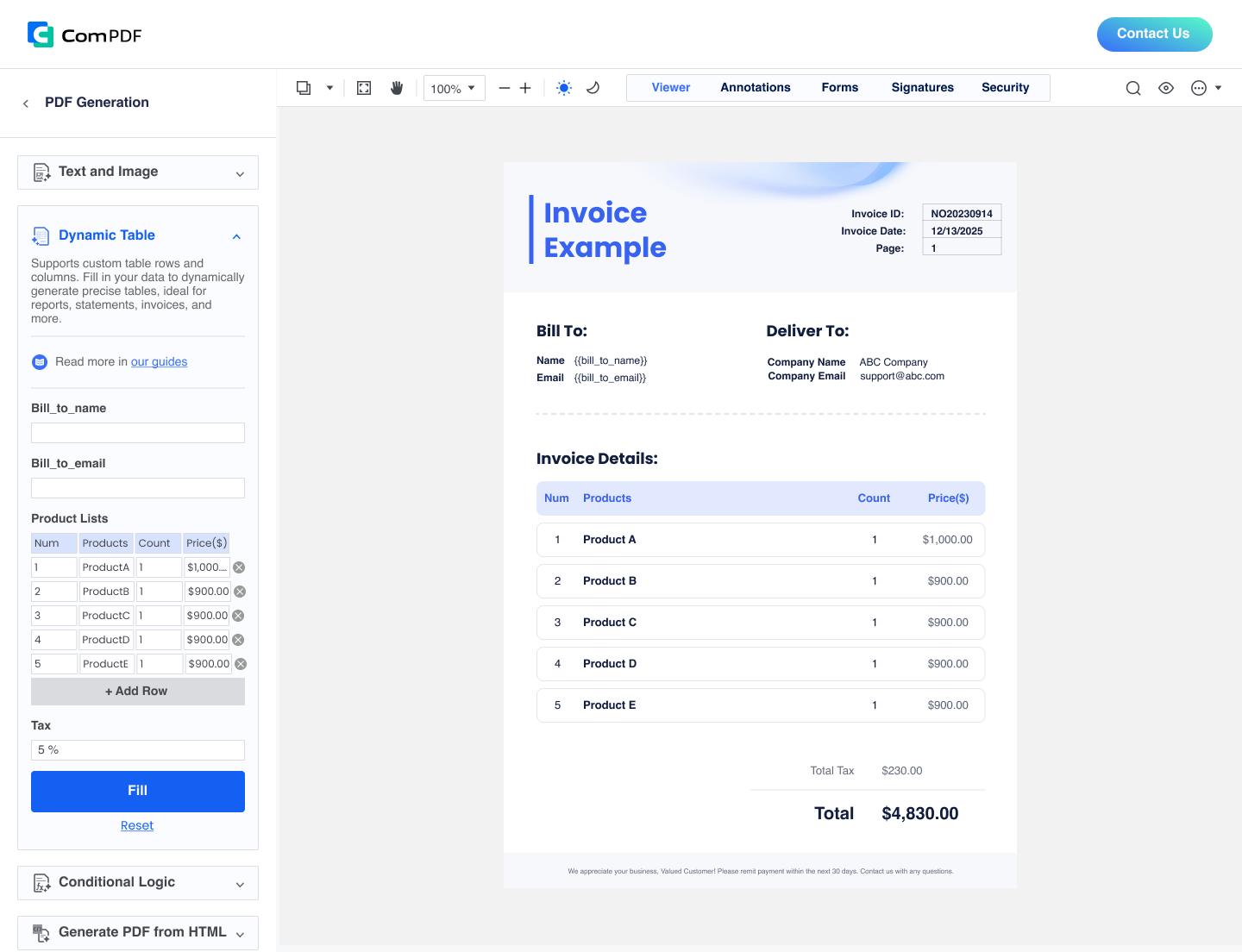
Capture The Request

Turn field issues, scope notes, and cost changes into a consistent digital intake.
02
Generate The PDF workflow illustration

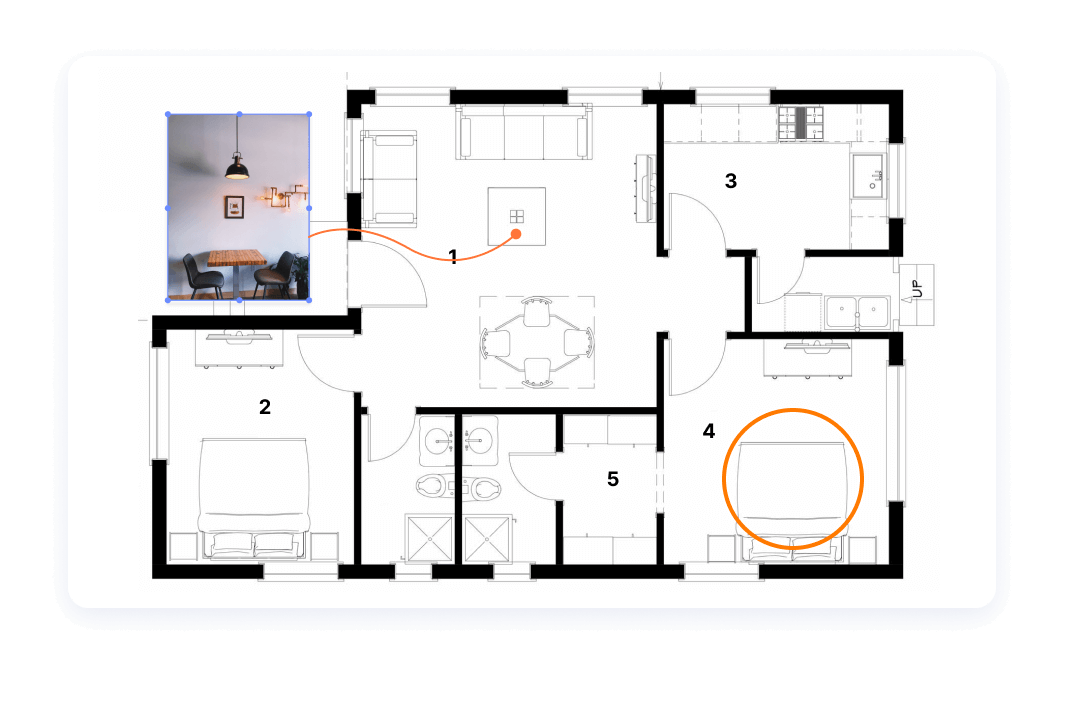
Generate The PDF

Render a professional change order from an HTML template and fictional project data.
03
Review And Annotate workflow illustration

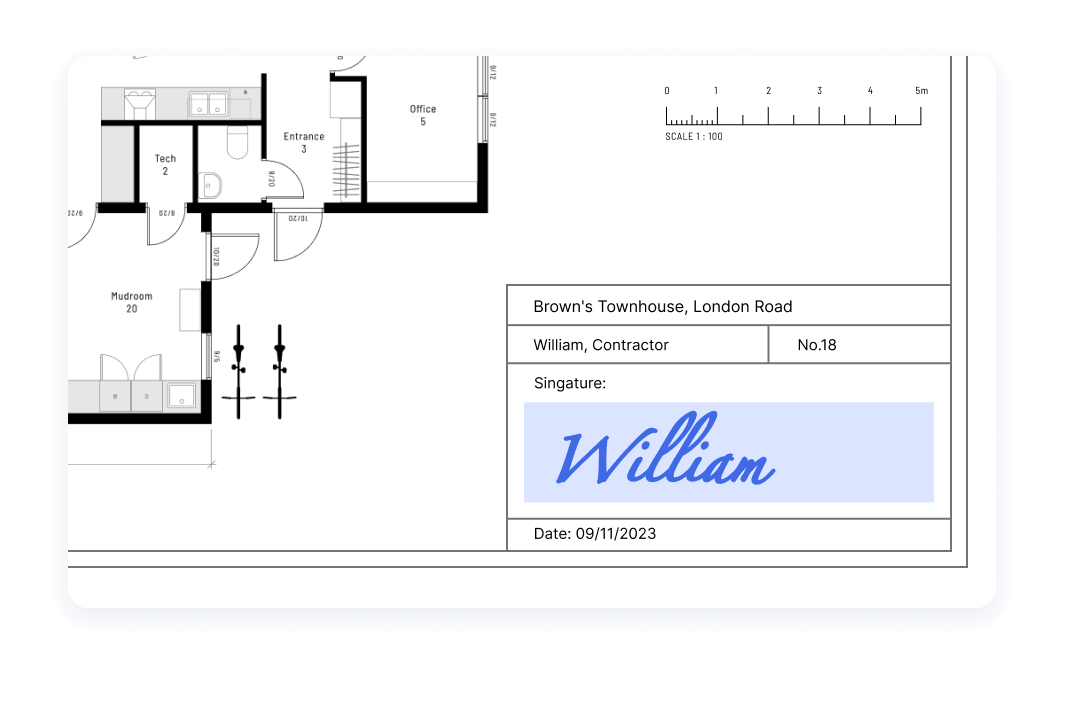
Review And Annotate

Keep comments, highlights, markups, and revisions inside the same document surface.
04
Approve And Sign workflow illustration

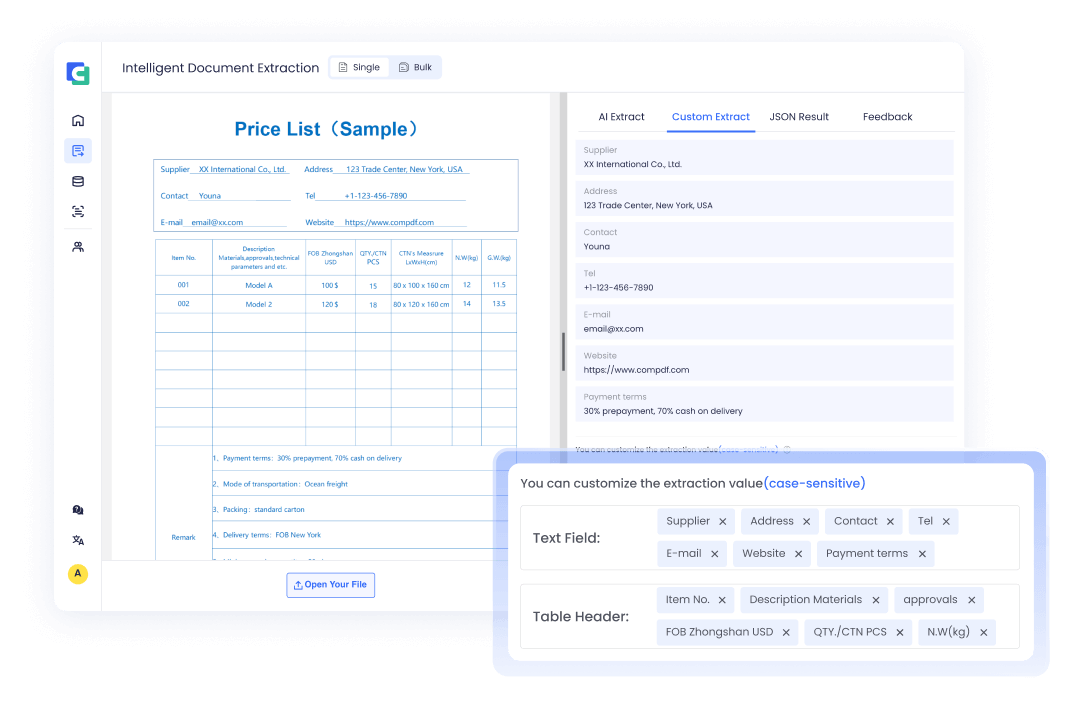
Approve And Sign

Route the latest version to owners, project managers, and subcontractors for approval.
05
Extract Structured Data workflow illustration

Extract Structured Data

Prepare approved project numbers, costs, dates, and vendor fields for downstream systems.
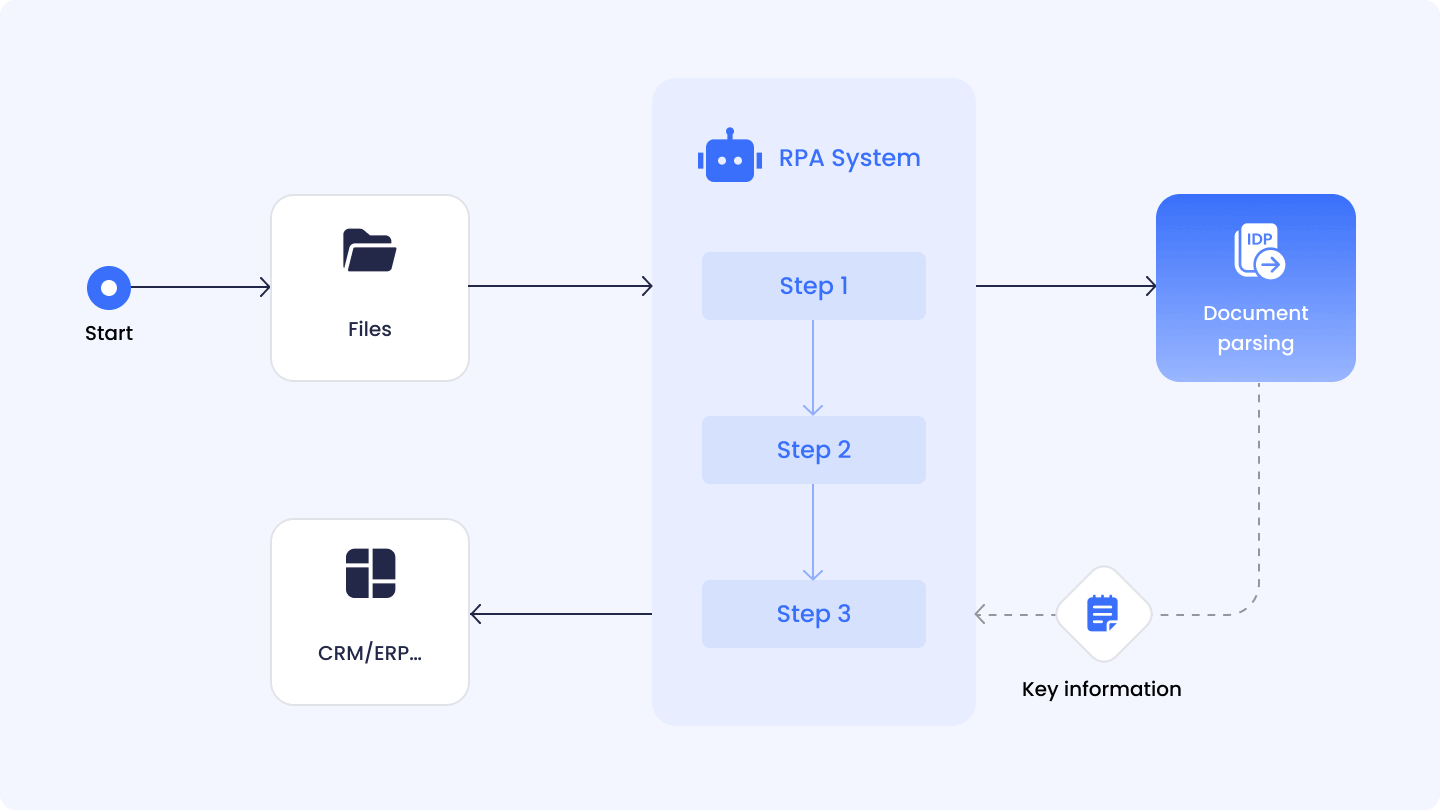
06
Connect The Record workflow illustration

Connect The Record

Move the approved outcome into ERP and construction systems with an auditable handoff.

CHANGE ORDER WORKSPACE

Move From Change Request To Usable System Data.

Preview the PDF, render a fictional change order and extract approved fields without leaving the workflow.

Integration ecosystem

Complements your construction technology stack

Connect approved documents and structured outcomes to the systems you already use.

Procore

Connect document review and change workflows.

Microsoft Dynamics

Move approved data into ERP processes.

Sage & Viewpoint

Support operational records and reporting.

Oracle Primavera

Keep project data and schedule context connected.

Salesforce

Link customer-facing approvals to records.

Custom platforms

Use APIs to fit your existing architecture.

Enterprise-ready by design

SDKs and APIs that fit your architecture

Choose the document processing model that matches your project data, approval architecture, and field development requirements.

Self-hosted Deployment

Keep change order documents, audit records, and extracted fields inside controlled environments for stronger privacy and operational governance.
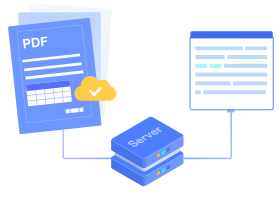
Self-hosted document processing illustration
Explore deployment

Offline SDK

Support field teams with local viewing, markup, signing, conversion, and extraction when connectivity is limited or workflows require local processing.
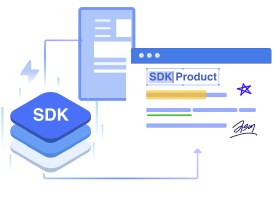
Offline PDF SDK illustration
Explore SDK

Open API / Low-Code

Connect change order intake, approval routing, and downstream systems through flexible APIs and low-code workflow automation.
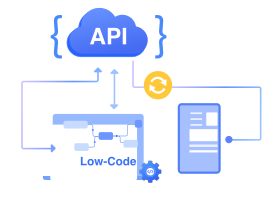
Open API and low-code document workflow illustration
Explore API / Low-Code
Secure document processingRole-based integration supportAudit loggingEncryption supportData residency flexibilityControlled access management
Choose Your Path

Start Building Your Digital Change Order Workflow

Evaluate a connected request-to-approval flow or map a secure architecture with the ComPDF team.

  • Generate professional change order PDFs
  • Capture approvals faster from field teams
  • Track revisions with audit history
  • Extract structured data for ERP systems

Start Your Evaluation

Choose the path that matches your current change order workflow.

Platform
Platform
OEM Interest (optional)
Capabilities Needed
Questions

Frequently Asked Questions

Yes. Generate PDFs from templates using scope modifications, cost adjustments and schedule extensions supplied by your systems.
The workflow is designed for web, mobile and desktop viewing, with mobile SDKs and offline-ready operations for field approvals.
ComPDF AI can extract project numbers, descriptions, cost adjustments, approval dates and vendor information into structured JSON for ERP synchronization.