
When searching for "PDF generator online," you will encounter various types of tools: creative tools for creating PDF files from scratch, conversion tools for transforming existing documents into PDFs, and processing tools for editing and managing PDF files. These tools serve completely different audiences and use cases.
This article categorizes and compares the top 10 PDF generation tools across three major categories, helping you find the best solution for your specific needs.
If you are looking for PDF generation APIs/SDKs for developers, click Best PDF Generator APIs for more details.
Canva – AI PDF Generator Online & Design
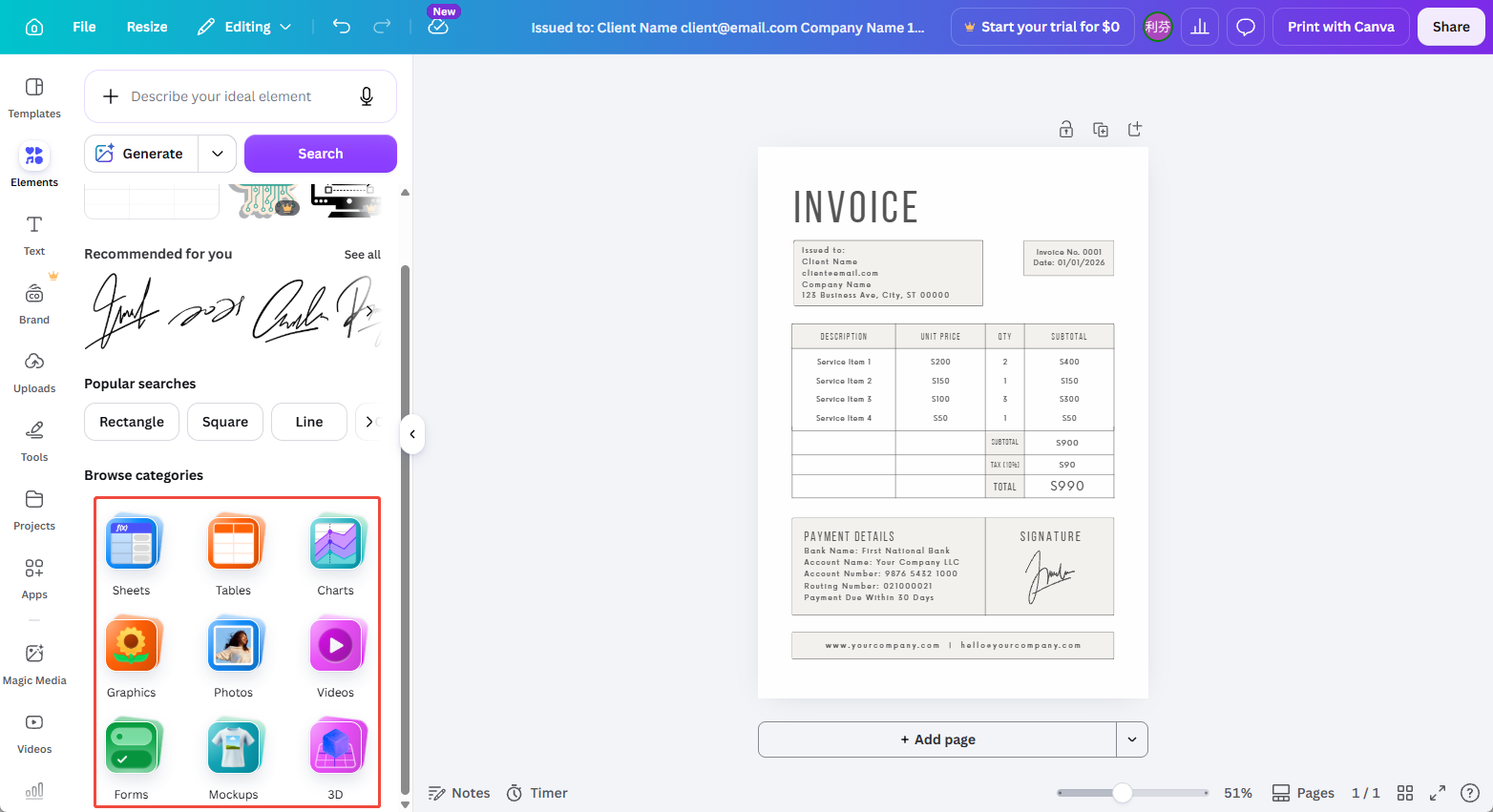
Canva is a design-first online platform. While not a traditional PDF tool, its PDF generation capabilities excel for "design-heavy" documents such as reports, marketing materials, and social media graphics. Users can choose from 1M+ templates, add text, images, and charts via drag-and-drop, then export as PDF. Canva also offers team collaboration and brand kits.
Pricing:
- Free tier (basic features).
- Pro at $12.99/mo (billed annually) unlocks all templates, brand kits, background removal.
- Teams at $15/person/mo (annual).
- Enterprise: custom pricing.
User Reviews: From SmartCustomer (261 reviews, 1.6/5)
- "Canva has become my go-to platform for creating stunning designs even with minimal design experience." — SOUMYA RANJAN B.
- "No customer service phone number, impossible to cancel subscriptions." — Susanne B.
ComPDF - Automated PDF Generation & Generate PDF from Other Files
ComPDF is a PDF-focused technology brand offering enterprise-grade PDF generation SDKs, APIs, and online tools. Two main approaches:
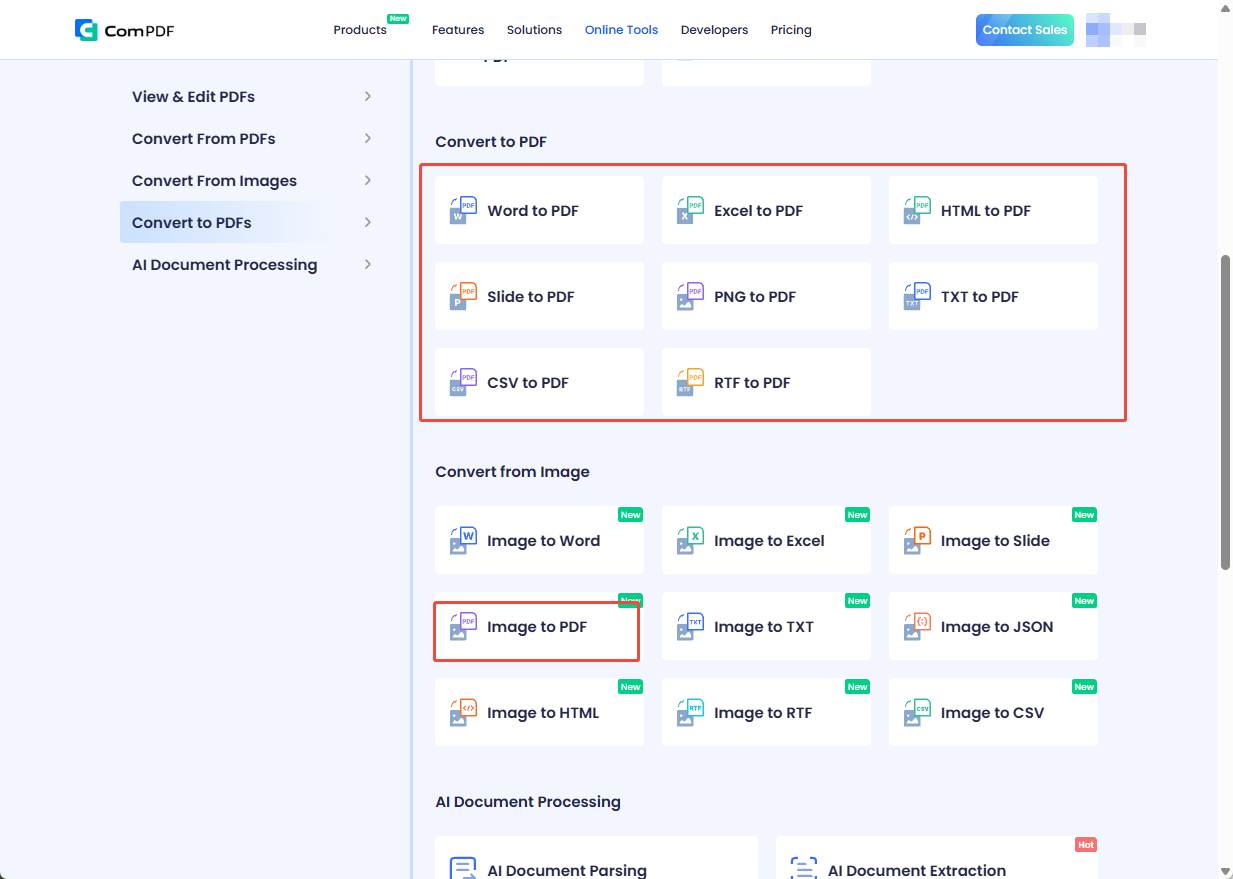
1. File-to-PDF conversion — upload various file types (images, Word, Excel, PowerPoint, HTML, TXT, CSV, RTF) and convert to PDF with original formatting preserved.
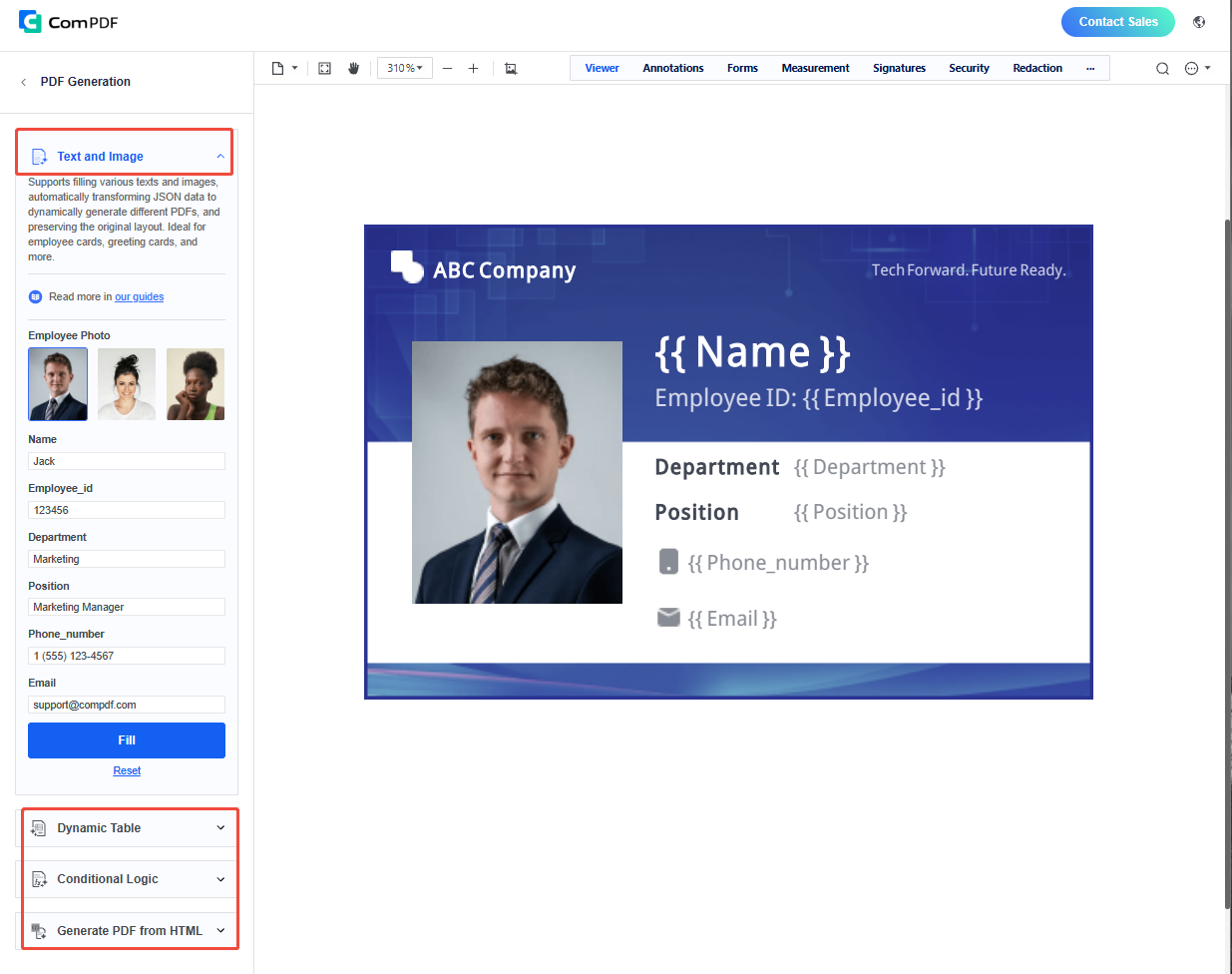
2. HTML template dynamic generation — developers design templates and populate them via JSON data (text, images, barcodes, QR codes, dynamic tables) for server-side PDF automation. SDKs available for Web, Windows, Android, and iOS platforms.
Pricing:
- SDK: 30-day free trial, then custom quote based on platform and modules.
- ComPDF Cloud / Online Tools: Sign up and experience now.
User Reviews: From developer community
- "ComPDF SDK is easy to integrate with clear documentation and multi-platform support — the top choice for developers."
- "Compared to Adobe's SDK, pricing is more transparent, API response is faster, and technical support is prompt." "HTML template PDF generation is very practical for automating contracts, reports, and invoices via JSON data filling."
LightPDF - AI PDF Generator from Blank Pages
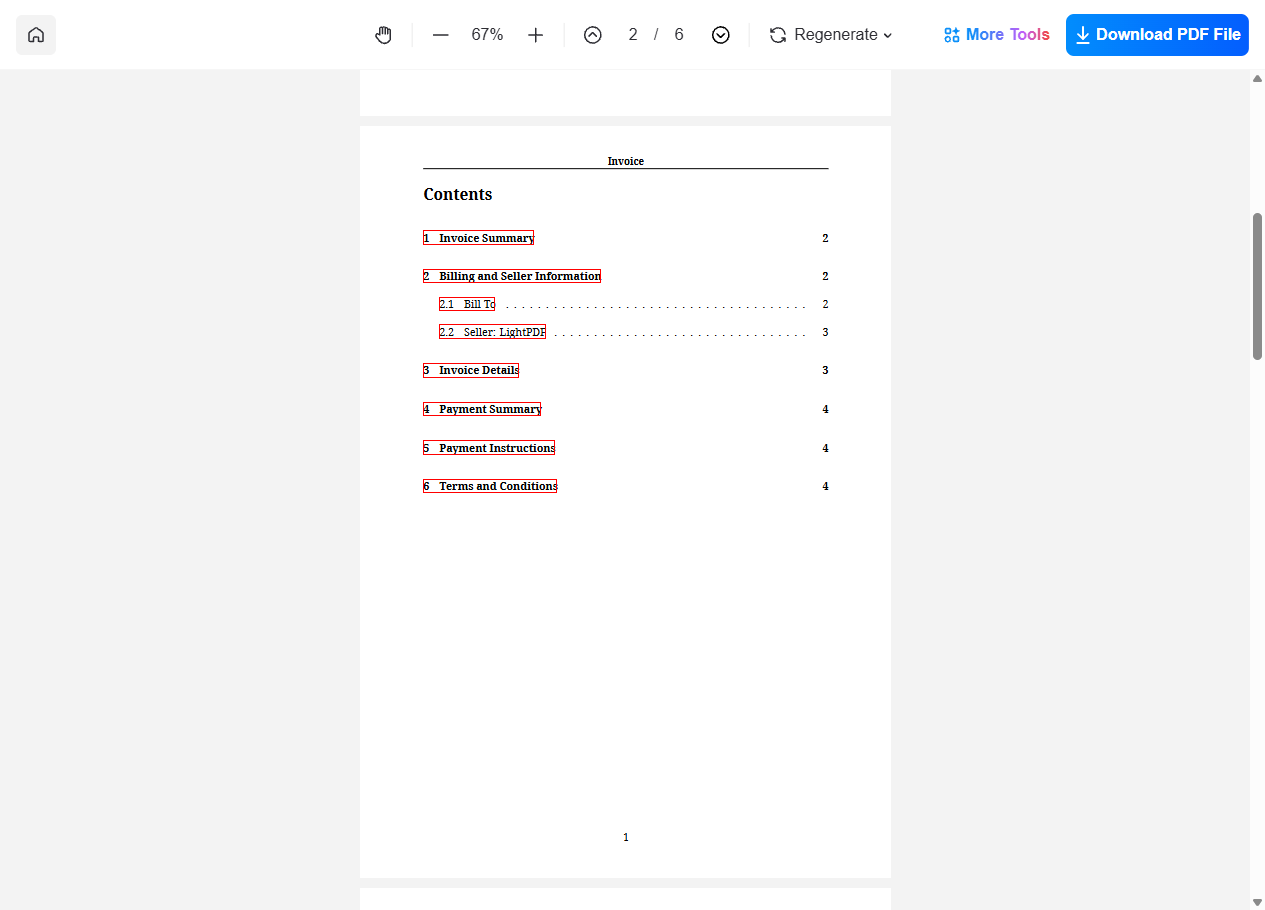
LightPDF is an AI-integrated PDF platform. For PDF generation, it supports AI-based creation: describe the PDF content in natural language, click generate, and receive a complete PDF file. Generated files can be further edited, converted, or compressed. LightPDF also offers AI document Q&A with 100+ language support.
Pricing:
- Free tier (limited web tools).
- Premium monthly (1,000 AI credits).
- Premium annual at $39.99/yr (1,000 AI credits/mo, 7-day refund).
- Lifetime: one-time payment with 40,000 AI credits. Supports Windows/Mac/Android/iOS/Web.
User Reviews: From TAAFT
- "Good to use even for free. Gives answers related directly to the info in the document, along with references to pages. Also does well at analyzing graphs and charts." — Brett cc
Adobe Acrobat — The Gold Standard
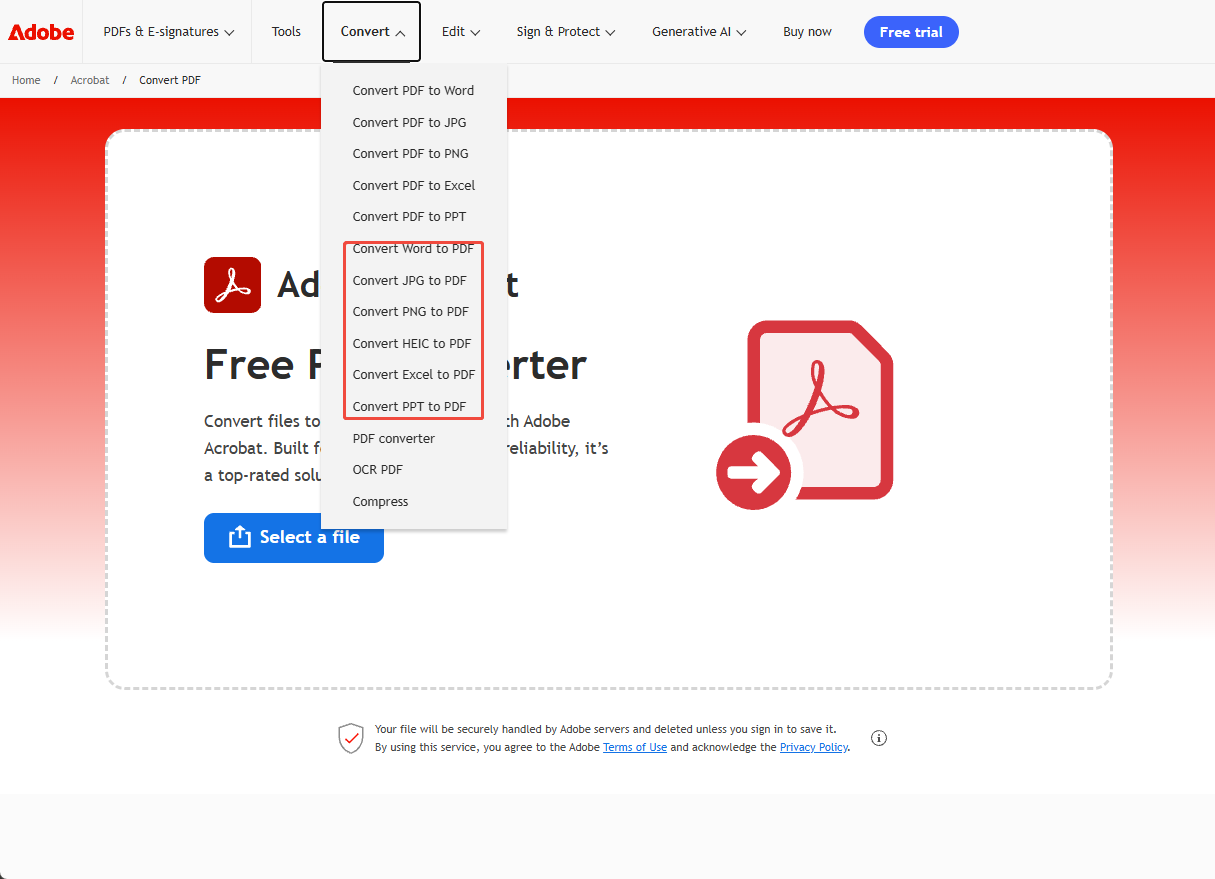
Adobe Acrobat is the industry benchmark for PDF. Users can upload files (Word, Excel, PowerPoint, images) and convert them to PDF online. Desktop and mobile versions support creating PDF from scanners, web pages, and merging multiple files. Pro features include OCR, PDF/A compliance, Action Wizard for batch processing, and AI Assistant.
Pricing:
- Individual Pro: $19.99/mo (annual) or $29.99/mo (monthly).
- Standard: $12.99/mo (annual).
- Business Pro: $23.99/mo (annual). Student/Teacher discount available.
User Reviews: From G2/Capterra
- "The most comprehensive PDF tool with unmatched OCR accuracy and batch processing."
- "Subscription pricing is high for occasional users. Software is bulky and slow to start."
iLovePDF — The Smoothest Online PDF Experience
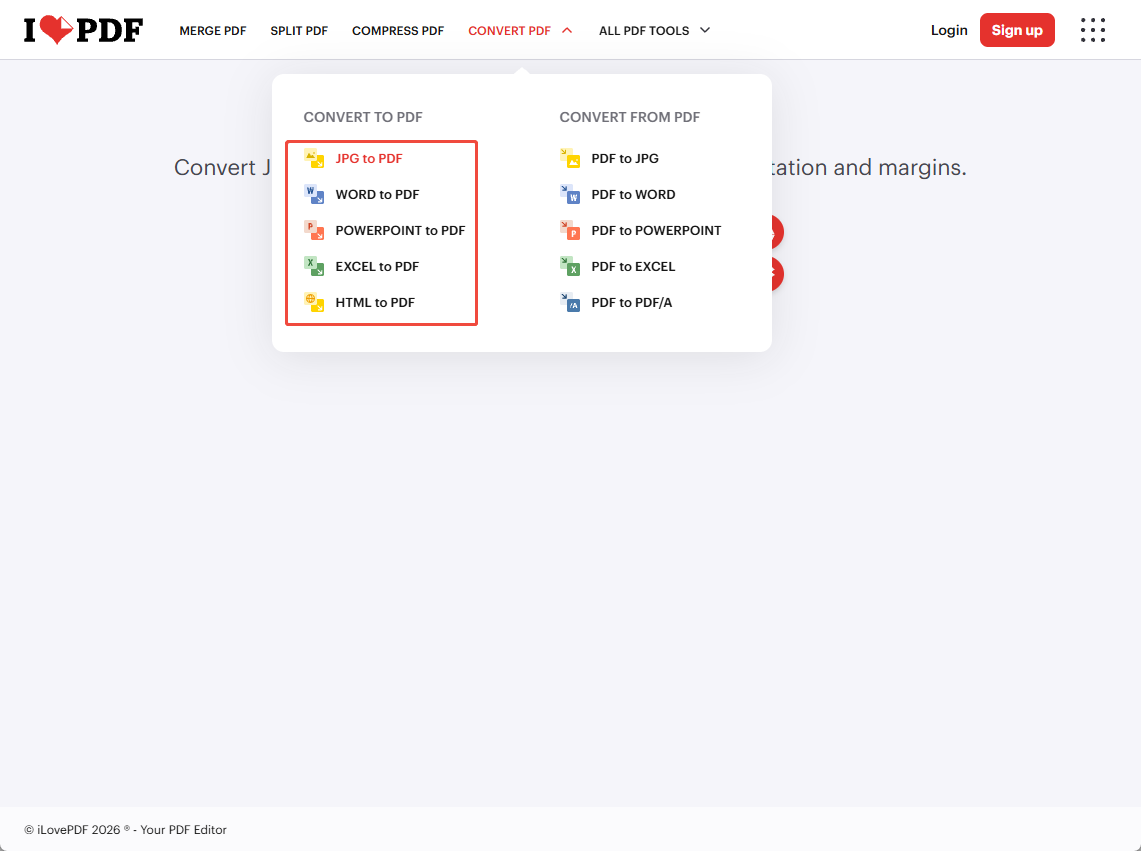
iLovePDF is widely regarded as the most polished online PDF tool. It supports converting JPG, Word, Excel, PPT, and HTML to PDF with high quality and format preservation. Additional features include merge, split, compress, OCR, and AI tools (Summarizer, Translator). Available on Web, Desktop, and Mobile. Basic functions work without registration.
Pricing:
- Basic (free): limited file sizes and daily usage. Premium monthly: $7/mo, unlimited tools, 2,000 AI credits.
- Premium annual: $4/mo ($48/yr), best value.
- Business: custom pricing. Students/teachers get one free year of Premium.
User Reviews: From TAAFT/G2
- "iLovePDF is my everyday PDF tool — clean interface, fast conversion, batch support. The free version is sufficient for daily use."
- "AI PDF Translator works very well and is free."
Smallpdf — Comprehensive Online PDF Suite
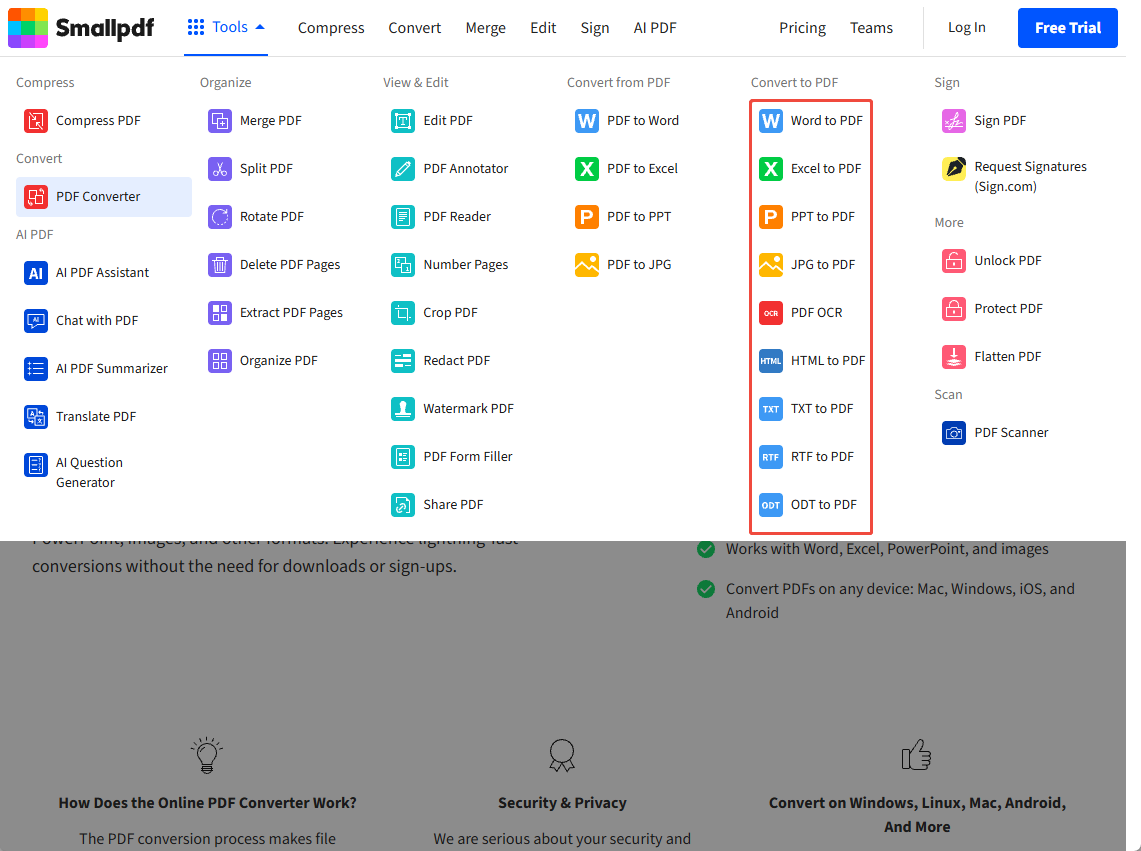
Smallpdf is a full-featured online PDF platform offering PDF creation, conversion, compression, merge, split, editing, and e-signature. It supports Word, Excel, PPT, JPG, scanned PDF, HTML, TXT, RTF, ODT to PDF conversion. Smallpdf also provides API access for developers and team collaboration features.
Pricing:
- Free: 30+ tools with daily download limits. Pro monthly: ~$16/mo, unlimited access.
- Pro annual: ~$12/mo (best value). Team: ~$10/person/mo (annual), 2-19 users.
- Business: 20+ users, custom pricing. Swiss company, ISO 27001 certified. 7-day free trial.
User Reviews: From SmartCustomer (6 reviews, 2.2/5)
- "Best PDF software on the market — quickest, easiest." — Stuart S.
- "It's a scam. Signed up for a free trial, and was charged an annual fee with no refund." — Rachel G.
pdfFiller — Document Management & E-Signature Platform
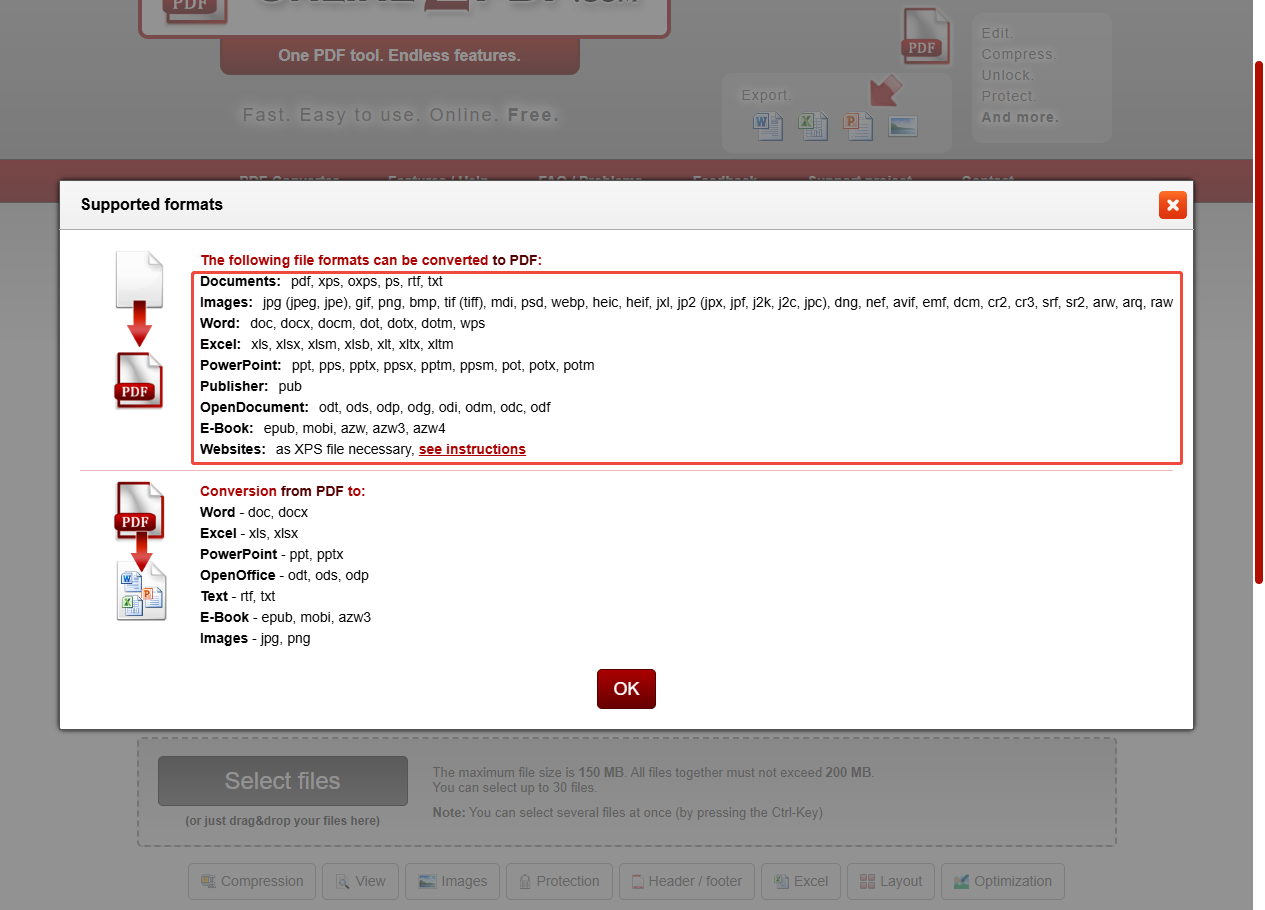
pdfFiller (now part of airSlate) is a cloud-based document management and e-signature platform. For PDF generation, it supports creating blank PDFs in multiple sizes (US Letter, A4, A5, B5, A3, etc.) and generating PDFs from existing files (DOC, DOCX, RTF, PPT, XLS, XLSX, PNG, JPG). It offers a rich template library and drag-and-drop form designer.
Pricing:
- 30-day free trial.
- Basic: $8/mo (annual) / $20/mo (monthly) — edit, fill, convert, merge.
- Plus: $12/mo (annual) / $30/mo (monthly) — templates, form fields, password protection.
- Premium: $15/mo (annual) / $40/mo (monthly) — e-sign, US Legal Forms, branding.
- Enterprise: contact sales. 180-day refund policy.
User Reviews: From SmartCustomer (5,082 reviews, 3.9/5, 84% recommend)
- "Very user-friendly, budget-conscious alternative to Adobe." — January M.
- "Filed a form that crashed on Adobe, pdfFiller solved it." — Philippe B.
Free PDF Convert — Lightweight Online Converter
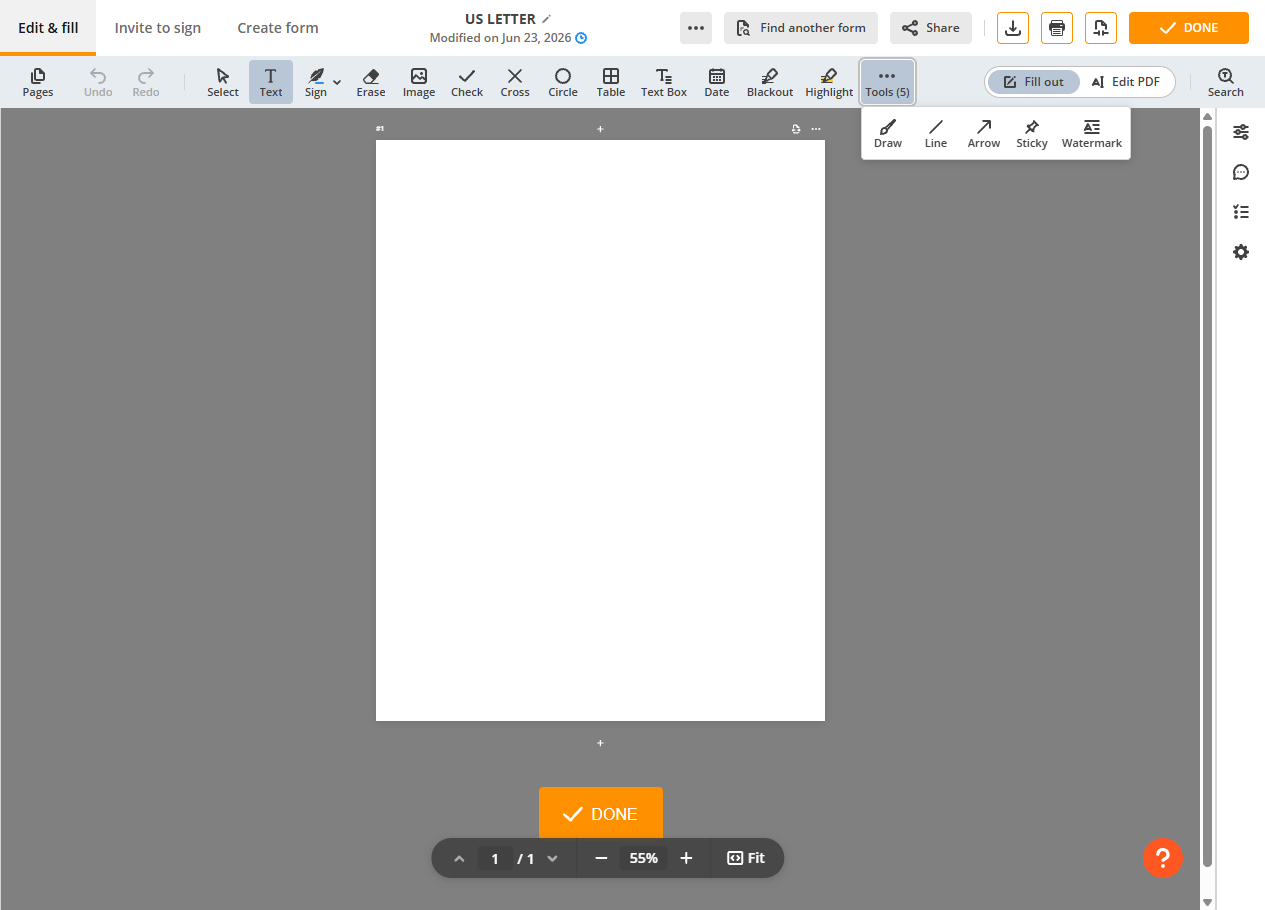
Free PDF Convert is a focused online conversion tool. Users can quickly convert Word, Excel, and PowerPoint documents to PDF, plus compress, rotate, merge, and split PDFs. No registration required. Clean, minimal interface with zero learning curve.
Pricing:
- Free: limited conversions and file sizes. 1-month plan: full access. 12-month plan: 30% discount, "best value."
- Lifetime: one-time payment for permanent use.
User Reviews: From SmartCustomer (1 review, 4.0/5)
- "Helps convert documents to PDF in no time. Not everyone has the needed program on their computer, so such services fill this gap." — Omi A.
Docfly — Simple Basic PDF Processing
Docfly (formerly PDF Pro) is an online PDF processing tool supporting Word, Excel, PowerPoint, and image to PDF conversion. It provides browser-based PDF editing, form creation, and file conversion. Offers 3 free exports per month for occasional users.
Pricing:
- Free: 3 exports/month.
- DocFly Pro monthly: $7.99/mo.
- DocFly Pro annual: $3.99/mo ($47.88/yr, save 50%).
- Enterprise: custom pricing.
User Reviews: From SmartCustomer (5 reviews, 2.1/5)
- "After a terrible experience at PDFfiller, DocFly's free policy is refreshingly clear — 3 free downloads per month." — R F.
- "Scam! Used it once and was told I used up my monthly credits." — Start Your B.
Online2pdf — Free Multi-Format PDF Converter
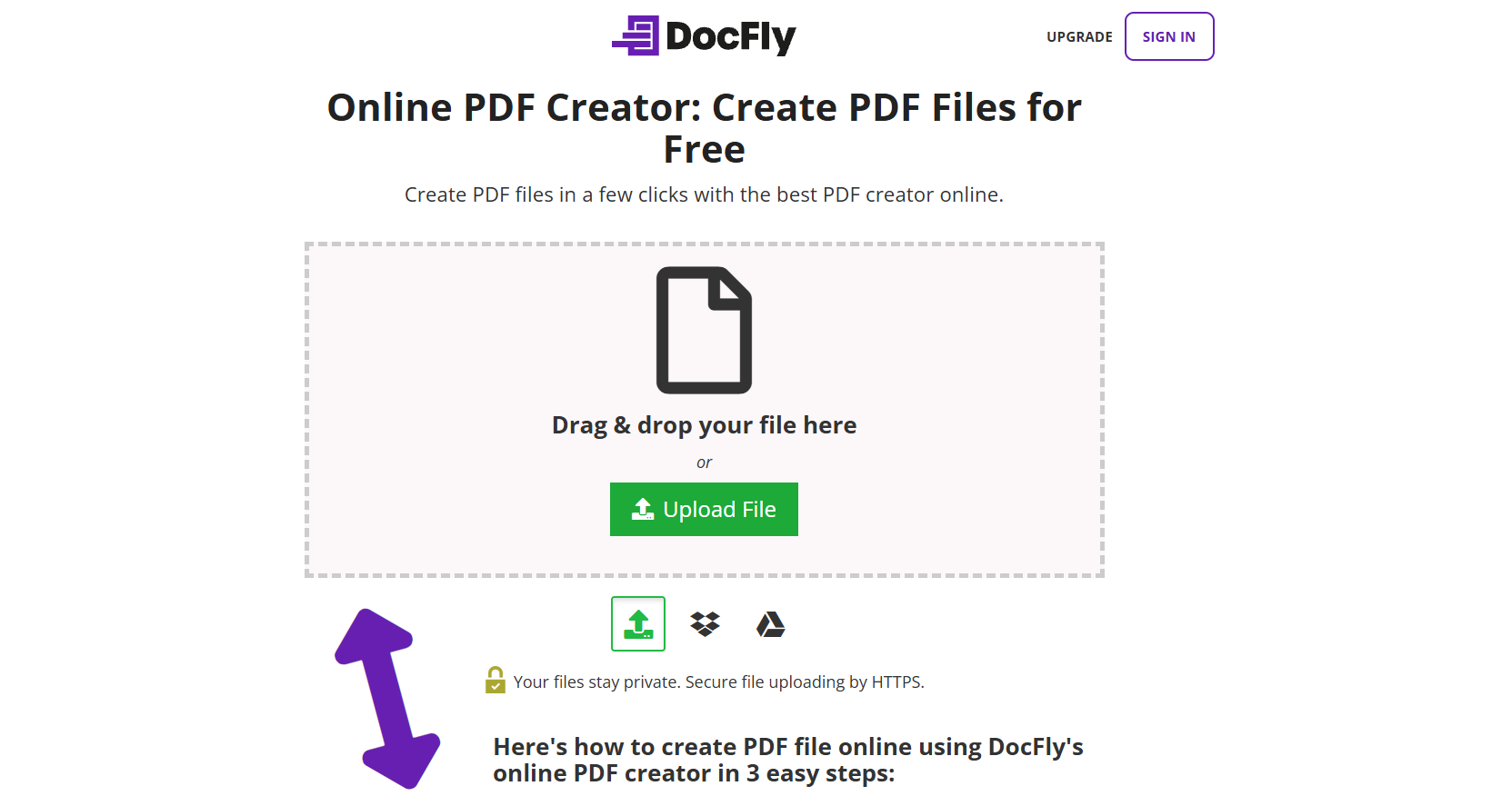
Online2pdf is a completely free online file conversion tool focused on converting various formats to PDF. Supports documents (PDF, XPS, OXPS, PS, RTF, TXT) and images (JPG, GIF, PNG, BMP, TIFF, PSD, WebP, HEIC). No registration required. Simple, straightforward, and free.
Pricing:
- Completely free. No paid plans. No registration required.
User Reviews:
- Online2pdf is a long-standing free conversion tool popular for its no-registration policy. Community discussion is limited due to its simple focus. Best for quick, no-frills conversions.
Summary & Recommendations
PDF generation tools have evolved from single-function utilities into full-stack platforms. Choosing the right tool requires evaluating feature fit, budget, and use case:
- Design-centric PDF generation: Canva (best templates), LightPDF (AI-powered)
- Online PDF conversion: ComPDF (Comprehensive PDF conversion, Monthly 200+ free assets), iLovePDF (best value), Adobe Acrobat Pro (Famous Brand), Smallpdf (comprehensive suite)
- Developer SDKs/APIs: ComPDF (preferred enterprise integration)
- Lightweight free tools: Free PDF Convert, Online2pdf (simple and sufficient)