
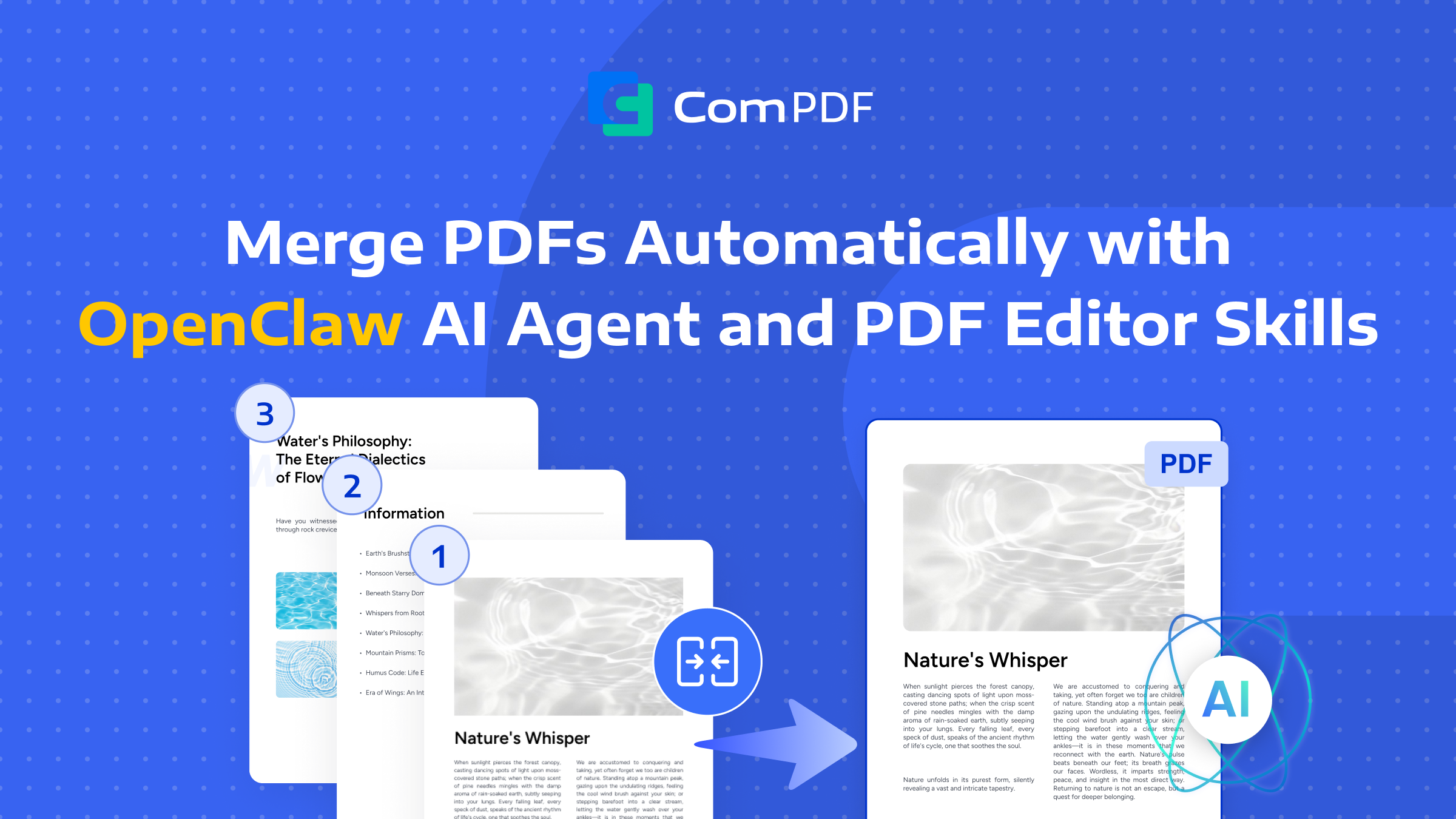
When your files are scattered across different folders or exist as multiple separate documents—such as a contract with appendices and signature pages, or monthly reports from various departments—merging them into a single PDF becomes an essential need. However, AI agents face a critical pain point: while they can understand the 'merge' instruction, they cannot directly operate on PDF files.
ComPDF Skills encapsulates professional PDF editing capabilities (such as PDF merging) into a local Skill that AI can directly invoke — PDF Editor — providing AI agents with the editing ability to merge PDF files.
This article will use the locally running PDF Editor (Powered by ComPDF SDK) along with the OpenClaw AI Agent to show you how to quickly build an intelligent assistant that supports batch and automated PDF merging.
How to Integrate ComPDF into Your AI Agent
Install AI Agent
First, you need an AI Agent runtime environment. If you don’t have one yet, follow the steps below to install OpenClaw.
For Terminal on Mac/Linux:
curl -fsSL https://openclaw.ai/install.sh | bash
For PowerShell or WSL2 terminal on Windows:
iwr -useb https://openclaw.ai/install.ps1 | iex
For detailed installation steps, please refer to the article How to Install OpenClaw.
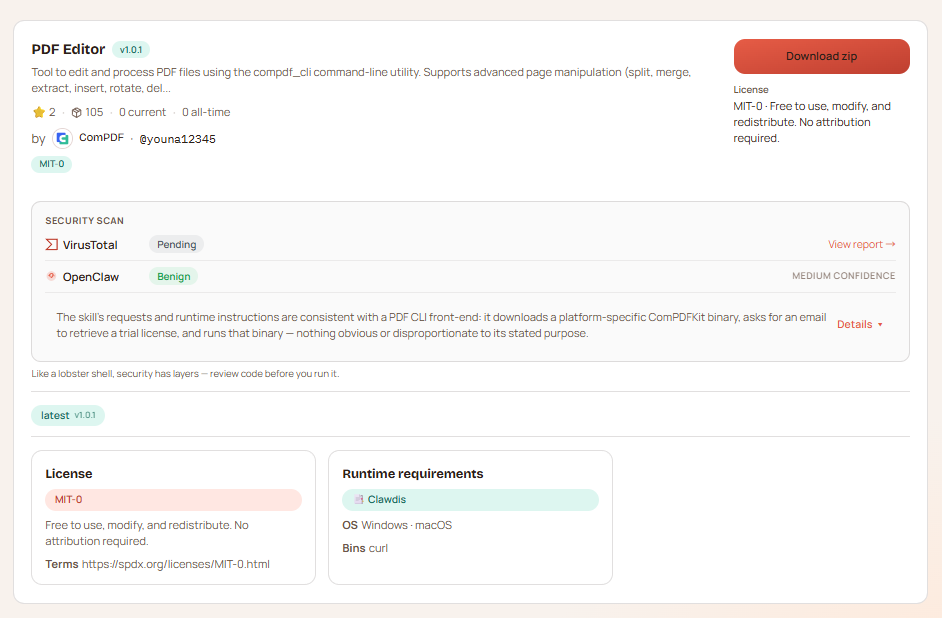
Install ComPDF Skills — PDF Editor
Send the following command to your Agent, and the PDF Editor Skill will be installed automatically:
openclaw install youna12345/pdf-editor-compdf
This Skill comes with a trial license. You will need to provide your email address, and the Skill will automatically complete the activation process. If you want to buy an official license, contact us.
Start Merging PDF Files
Once installation is complete, you can interact with the AI Agent using natural language to perform PDF merging tasks. Here is a complete conversation example:
User input: Help me merge these three files: contract.pdf, signature.png, and appendix.docx, and name it final_contract.pdf
AI Agent execution flow:
-
Intent recognition – The agent recognizes this as a PDF merge request.
-
Parameter extraction – Extracts the file list [contract.pdf, signature.png, appendix.docx] and output name final_contract.pdf.
-
Skill invocation – Calls the merge method of the PDF Editor Skill.
-
Local processing – The Skill invokes the local ComPDF SDK to perform the merge.
-
Result delivery – Returns the merged file and notifies the user.
The agent will respond with something like: “Successfully merged contract.pdf, signature.png, and appendix.docx into final_contract.pdf. The file is saved in your current working directory.”
Why PDF Editor Skills for Merging PDFs?
-
Flexible merging capabilities – Supports merging all pages of PDFs or selectively merging chosen page ranges, meeting diverse document integration needs.
-
Local processing – All file operations are performed locally without uploading to the cloud, effectively securing sensitive documents such as contracts and financial data.
-
Offline availability – Once installed, it works without an internet connection, especially suitable for intranet environments or network-restricted scenarios.
-
High performance – Fully utilizes local computing resources, processes quickly without network latency, and improves overall work efficiency.
-
Fully controllable – Enterprises can customize the processing workflow to flexibly adapt to internal standards and meet various compliance requirements.
Typical Use Cases
PDF Editor Skills are built on the ComPDF SDK as a local SDK foundation, allowing you to process files locally and ensure document data security.
1. Contract Management Assistant – Merges multiple contract PDFs (main contract, appendices, signature pages) by detecting keywords in file names, producing a complete document for review.
2. Financial Reconciliation Bot – Automatically classifies invoices and bank statements by month, customer, or project, merges similar files into one PDF, and generates monthly/quarterly summary reports.
3. Academic / Research Assistant – Based on a literature list, downloads corresponding PDFs and merges them into a custom paper collection for offline reading and annotation.
4. Batch Report Generation – Integrated with RPA, automatically collects departmental reports, merges them into a unified company-level master report, and distributes it to management.
Summary
ComPDF’s PDF Editor Skills serve as a bridge — connecting the reasoning capabilities of large language models with real-world operational abilities. Once installed, your AI Agent gains not only PDF merging but also the following PDF processing capabilities:
-
Split a PDF by pages or ranges
-
Combine multiple PDFs into one
-
Extract selected pages
-
Rotate one page or the whole file
-
Delete pages you don’t need
-
Insert new pages into a PDF
-
Insert images into a PDF
-
Convert PDF to PDF/A, PDF/X, PDF/UA, or PDF/E
-
Optimize / compress file size for sharing
-
Use overlay comparison to spot changes
-
Add or remove text watermarks or image watermarks
By leveraging OpenClaw and the PDF Editor Skill, you can transform your AI Agent into a powerful, secure, and offline-capable document processing assistant — start to automate your daily PDF tasks with just a few words.