
PDF Generation Template Editor
Open-source visual PDF generation engine with customizable templates and developer-friendly APIs.
Extract text, tables, and images from PDF documents to a JSON file.
Commonly, tables can be divided into two categories: standard tables and non-standard tables. The specific definitions are as follows:
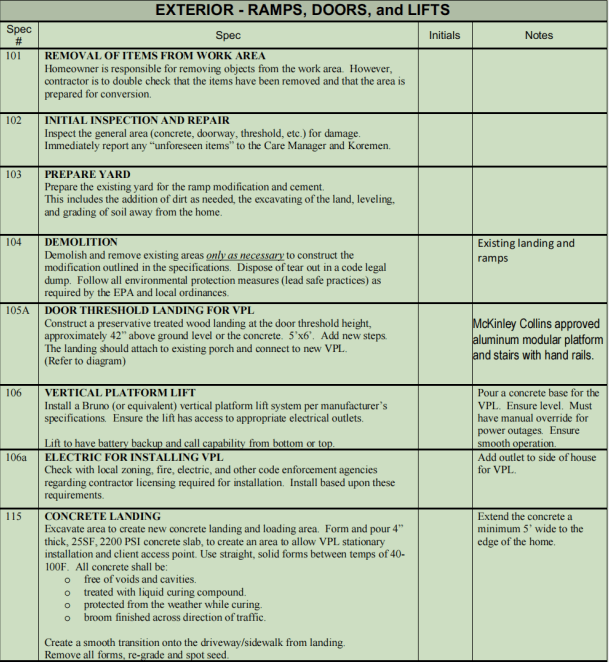
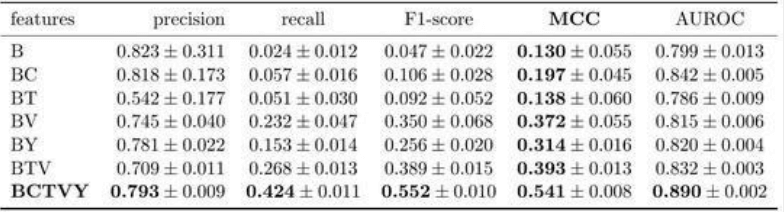
ComPDF Conversion SDK supports the option ContainTable. When enabled, table content is extracted from PDFs together with table structure; otherwise, table content is treated as regular text.
Full sample code which illustrates the text extraction capabilities.
inputFilePath := "***"
password := "***"
outputFileName := "***"

jsonOptions := compdf.NewJsonOptions()
err := compdf.StartPDFToJson(inputFilePath, password, outputFileName, jsonOptions, nil)