
PDF 生成模板编辑器
开源可视化 PDF 生成引擎,支持自定义模板,并提供面向开发者的 API,灵活构建文档生成流程。
从文档中提取关键信息字段和表格信息。支持上传的文件格式: PDF、JPG、JPEG、PNG。支持下载的结果类型有: JSON、TXT、Excel、CSV
在首页,您可以直接访问智能文档抽取功能。首页是 ComPDF AI 功能导航的中心,便于快速访问常用模块。
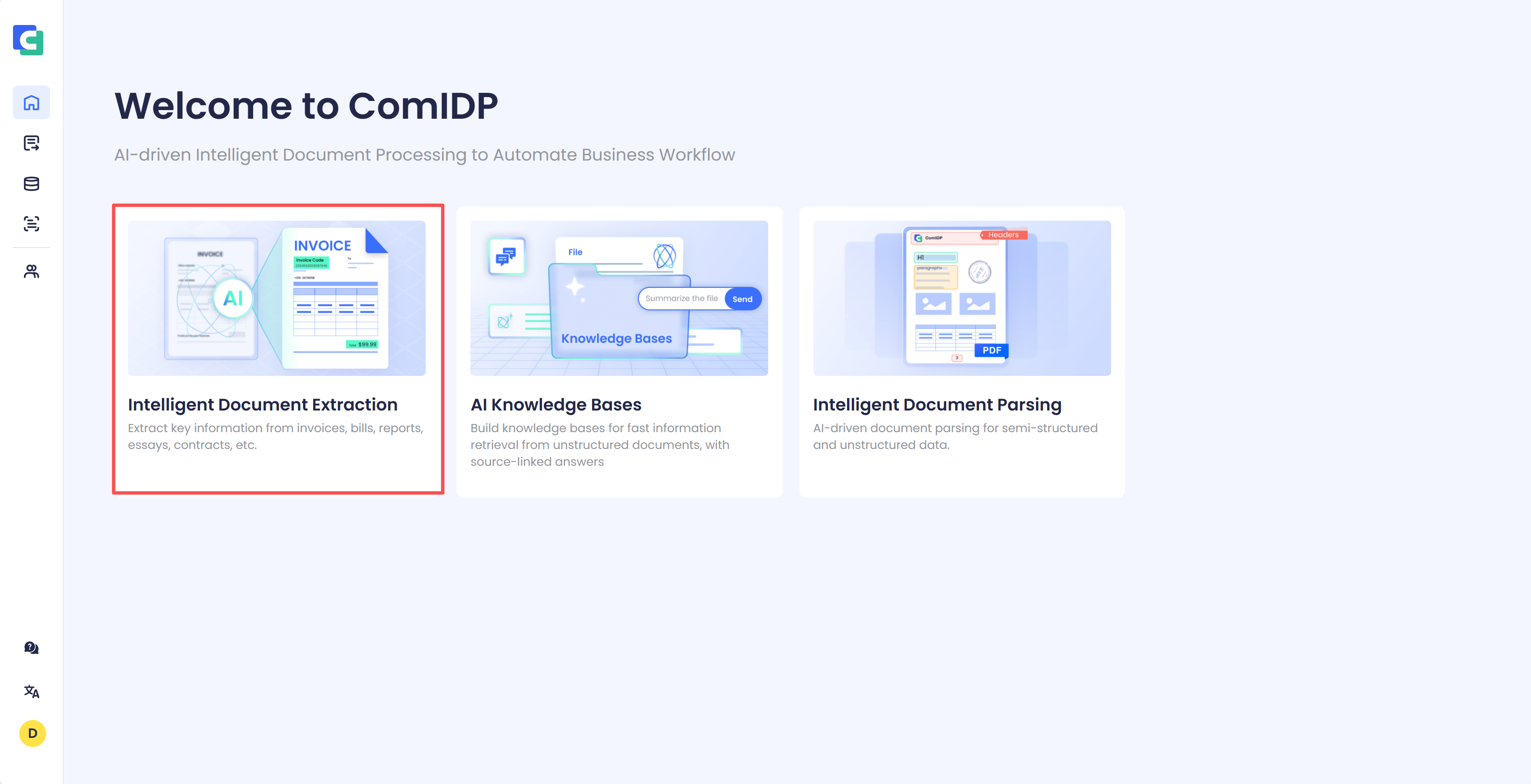
针对一份文档进行智能文档抽取。
选择你要进行抽取的文件,上传成功之后选择你想要进行抽取的模式,分别为 指定字段提取 和 提取文档中所有关键信息。
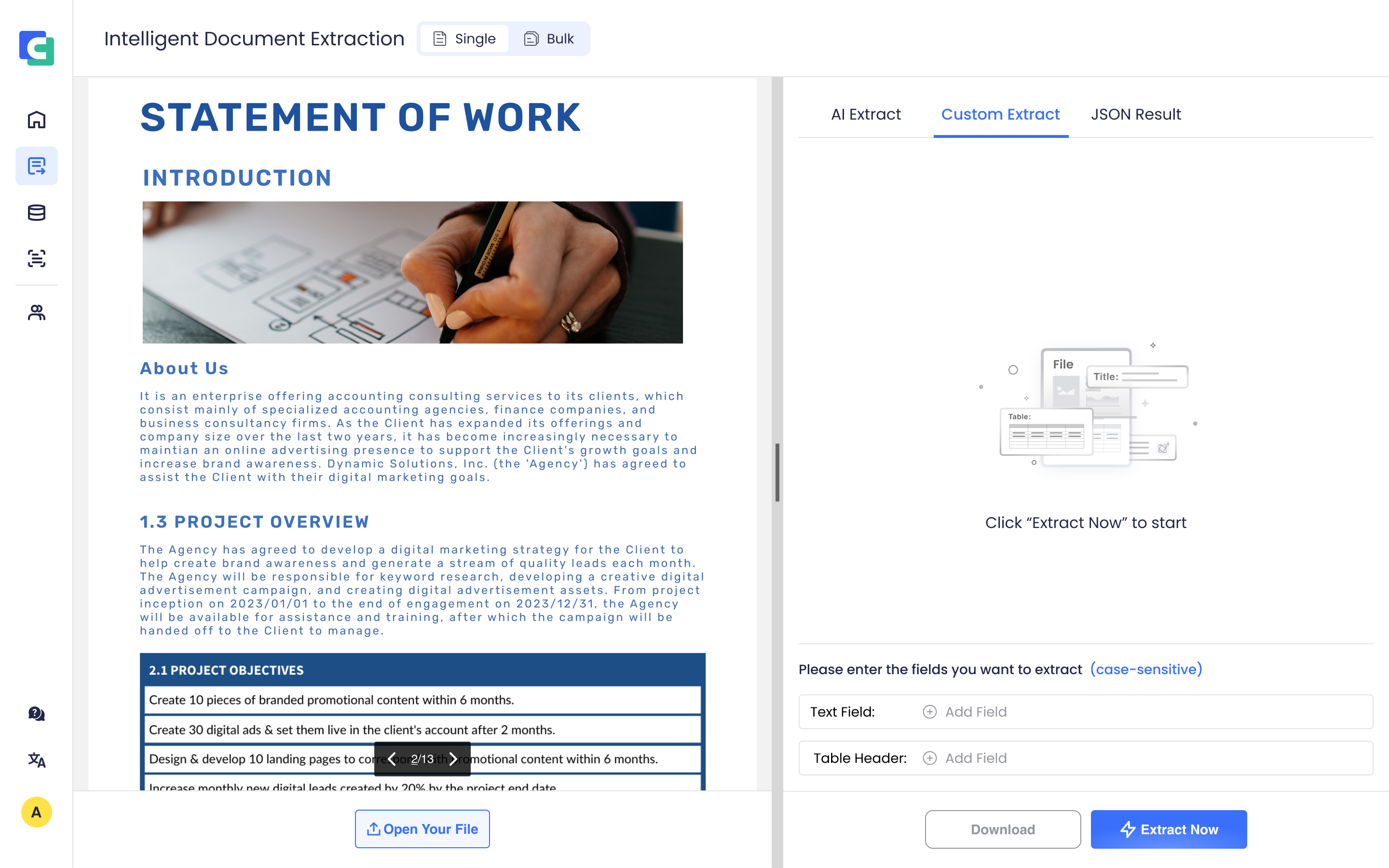
点击 Extract Now 后稍作等待即可看到智能文档抽取结果
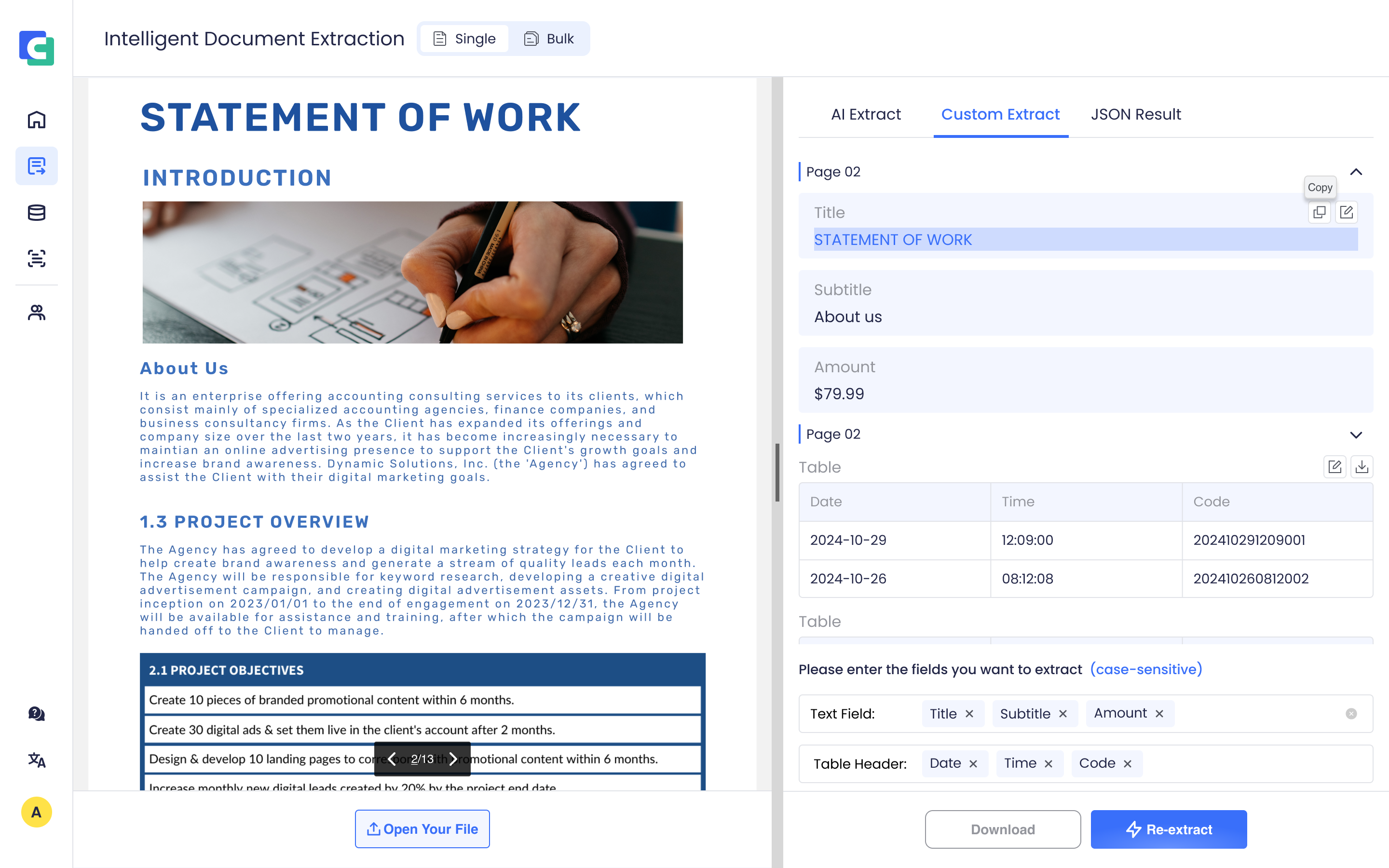
针对最多三十份文档进行批量抽取。
点击上方 Bulk 按钮切换至批量文档抽取,上传你要进行抽取的文件,设置需要抽取的固定字段,点击 Extract Now 后稍作等待即可看到智能文档抽取结果。
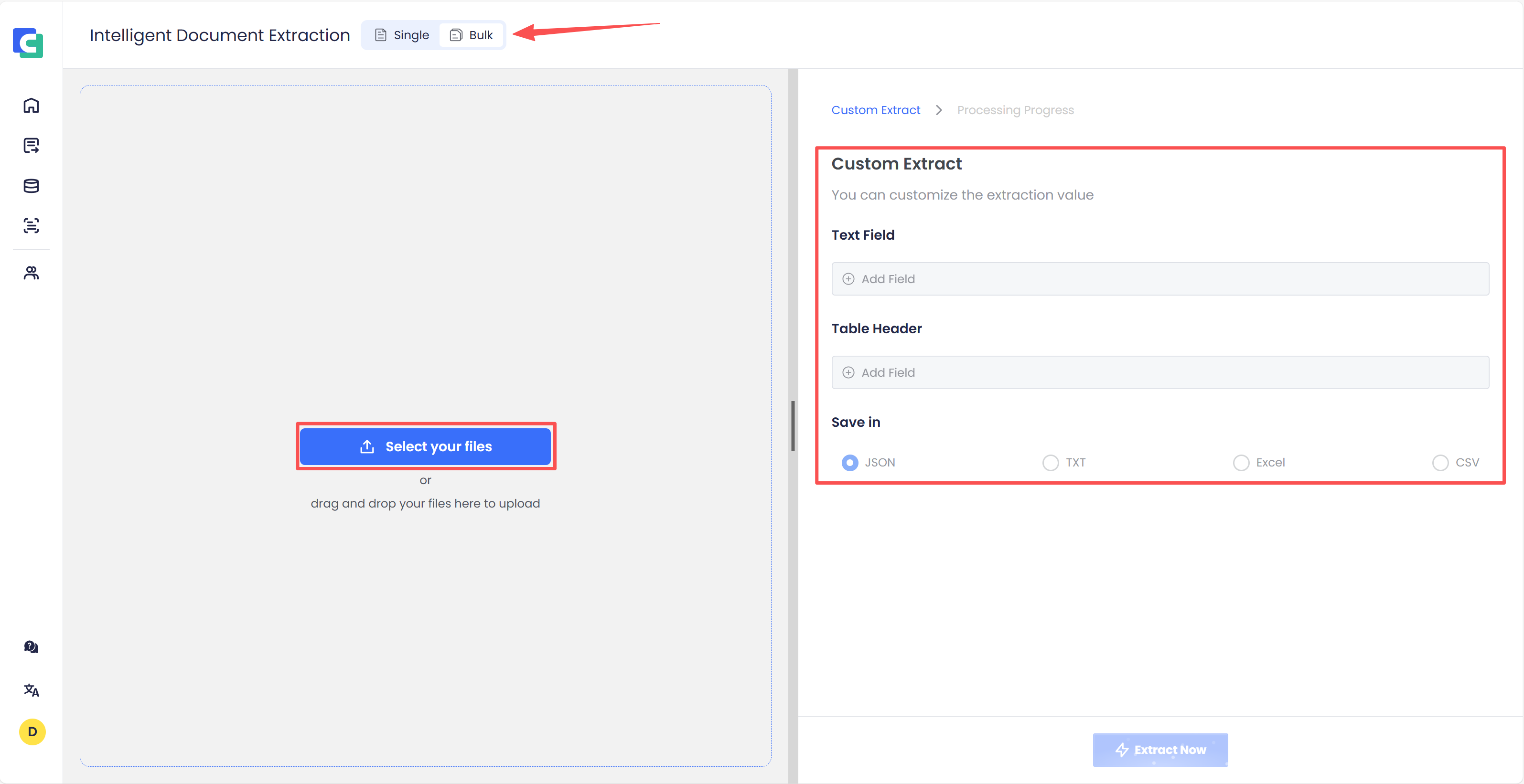
支持将设定好的抽取字段保存起来以方便下次抽取直接使用,默认提供两个模板(发票模板和订单模板)。
当你做出更改之后,点击下方 Save as Template 保存按钮,就会得到一个新的抽取字段模板。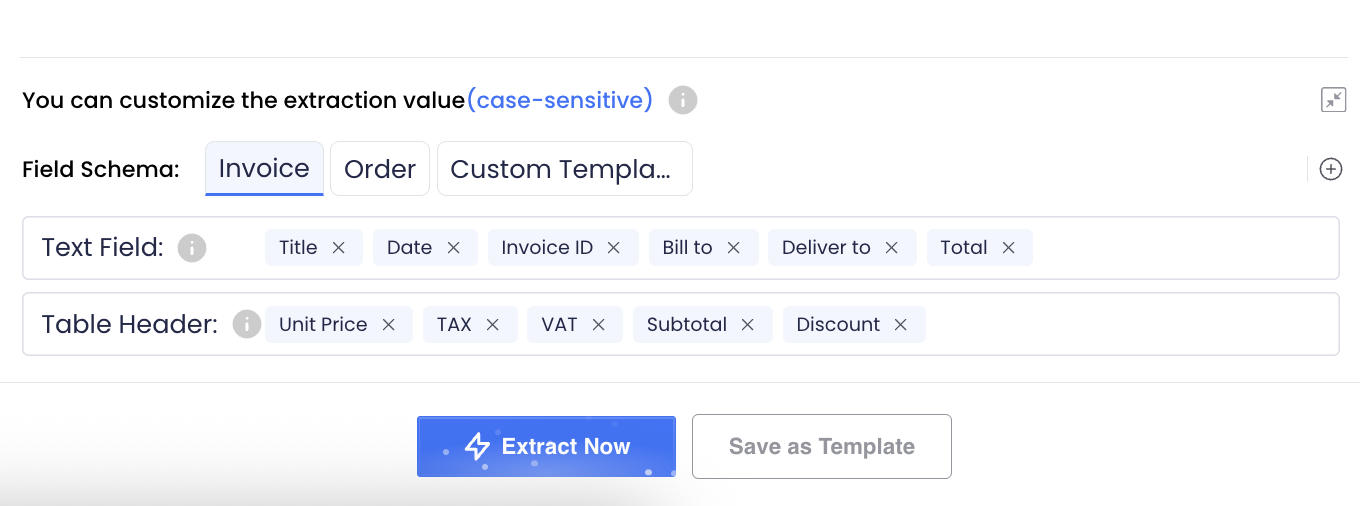
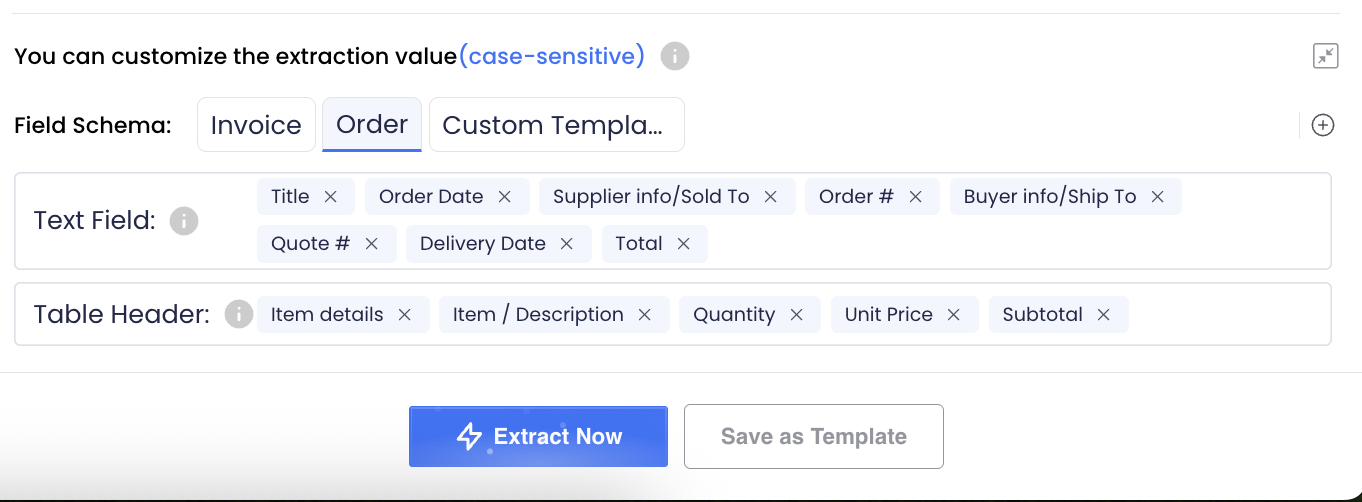
注意:你最多能保存5个新的模板,且名称不能重复。
给抽取字段增加额外的提示词增加抽取正确率。
鼠标单击需要增加提示词的字段,弹出提示词填写框,输入需要增加的提示词,点击 OK 按钮即可。 如果你保存字段带有提示词的模板,模板中也会保存该字段的提示词。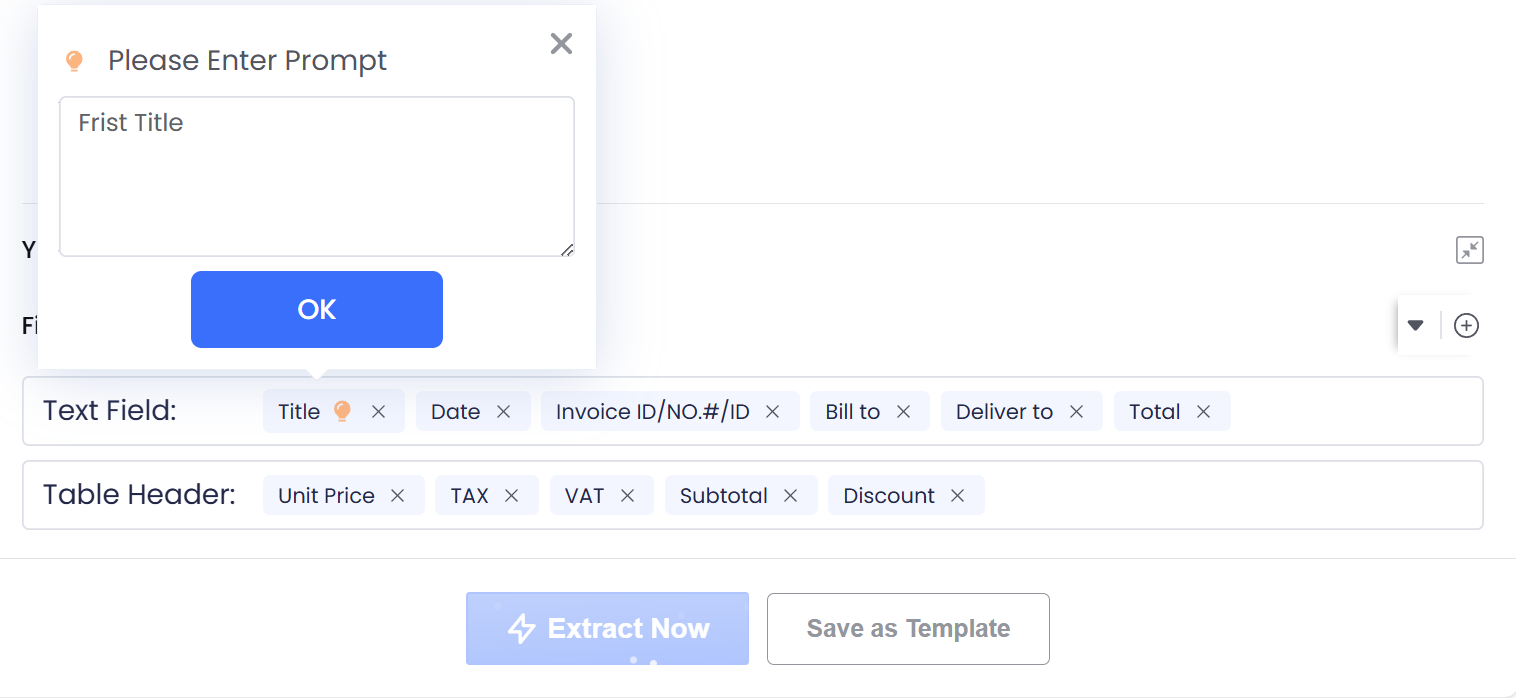
JSON内容说明
| 参数名 | 数据类型 | 描述 |
|---|---|---|
| code | String | Error code, "200" means success |
| message | String | Error message |
| data | Object | Return result |
| +details | Object | Key information extraction result |
| ++Page-index | Object | Corresponding page number extraction result |
| +++key | String | Key information field extraction result, key:value |
| +++tables | Array | Key information table extraction results, tables:[ [table1], [table2] ] |
JSON 示例:
{
    "code": "200",
    "msg": "success",
    "data": {
        "details": {
            "Page-1": {
                "Order Date": "xxx",
                "Order #": "xxx",
                "Quote#": "xxx",
                "Your estimated delivery date is": "xxx",
                "tables": null
            }
        }
    }
}