
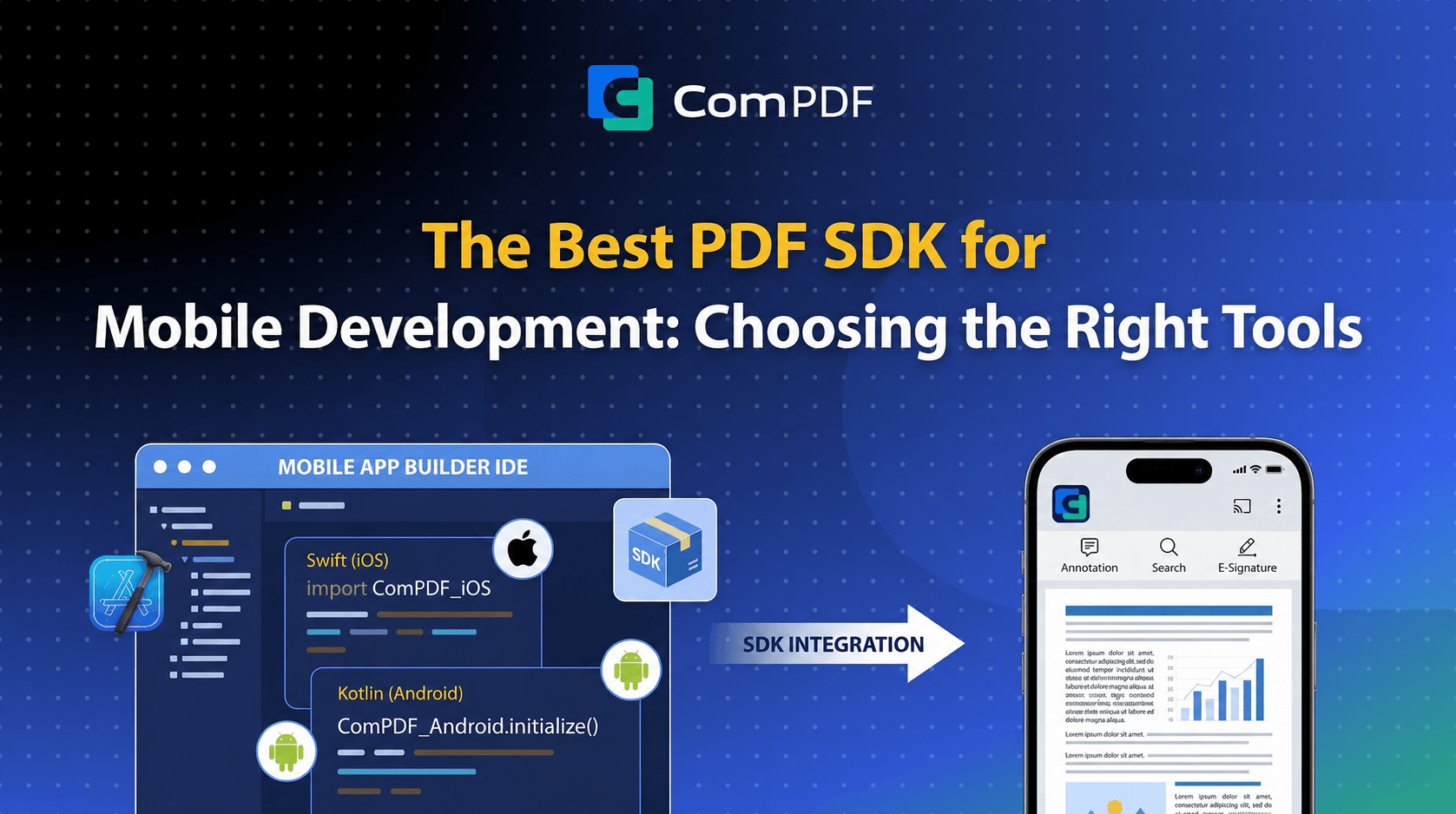
Mobile PDF handling is more complex than it first appears. Teams must balance rendering fidelity, annotation usability on small screens, form-filling experience, and consistent behavior across multiple frameworks.
This guide compares top mobile PDF SDKs for iOS, Android, Flutter, and React Native in 2026 with practical code snippets and integration tradeoffs.
Key Requirements for a Mobile PDF SDK
-
Native rendering quality: maintain visual accuracy at all zoom levels.
-
Annotation support: highlight, ink, note, and stamp workflows.
-
Form support: AcroForm fill and submit on mobile UI.
-
Digital signatures: certificate-based signing support on device.
-
Cross-platform consistency: same business behavior on iOS and Android.
-
Bundle size and licensing: shipping footprint and commercial terms both matter.
Comparison: Top Mobile PDF SDKs
ComPDF Mobile SDK
ComPDF provides native iOS and Android SDKs plus official Flutter and React Native packages with aligned API concepts.
System Requirements
Consistency note: Flutter iOS minimum is aligned to iOS 12.0+ (pub.dev package requirement).
Flutter Integration
1. Add dependency
# pubspec.yaml
dependencies:
  compdfkit_flutter: ^2.6.5
2. Initialize the SDK
import 'package:compdfkit_flutter/compdfkit.dart';

final licenseFile = await rootBundle.load('assets/license.xml');
final tempDir = await getTemporaryDirectory();
final licenseFilePath = '${tempDir.path}/license.xml';
File(licenseFilePath).writeAsBytesSync(licenseFile.buffer.asUint8List());

await ComPDFKit.initWithPath(licenseFilePath);
3. Open a PDF document
String documentPath = '/path/to/document.pdf';

await ComPDFKit.openDocument(
  documentPath,
  password: '',
  configuration: CPDFConfiguration(),
);
Source: github.com/ComPDFKit/compdfkit-pdf-sdk-flutter
React Native Integration
npm install @compdfkit_pdf_sdk/react-native-compdfkit-pdfimport ComPDFKit from '@compdfkit_pdf_sdk/react-native-compdfkit-pdf';
await ComPDFKit.initialize('', 'YOUR_LICENSE_KEY');
ComPDFKit.openDocument('/path/to/document.pdf', '');
iOS Native (Swift)
import ComPDFKit

CPDFKit.verify(withKey: "YOUR_LICENSE_KEY")

let pdfViewController = CPDFViewController(
    filePath: documentURL.path,
    password: nil,
    configuration: CPDFConfiguration()
)
navigationController?.pushViewController(pdfViewController, animated: true)
Android Native (Java)
CPDFSdk.verify("YOUR_LICENSE_KEY");

Intent intent = new Intent(this, CPDFDocumentActivity.class);
intent.putExtra(CPDFDocumentActivity.EXTRA_FILE_PATH, filePath);
startActivity(intent);
Nutrient (PSPDFKit) Mobile SDK
Nutrient is positioned for enterprise teams that need mature mobile SDKs and collaboration-oriented workflows. It is generally priced at a premium tier.
Apryse (PDFTron) Mobile SDK
Apryse offers a deep enterprise document stack and strong signature support. Collaboration scenarios can require additional backend architecture for sync.
MuPDF for Mobile
MuPDF is lightweight and fast for rendering-focused use cases, but AGPL licensing constraints matter for proprietary app distribution.
Choosing a Mobile PDF SDK
Frequently Asked Questions
Is there a Flutter PDF SDK that supports both iOS and Android?
Yes. ComPDF's compdfkit_flutter package supports iOS 12.0+ and Android API 21+. Nutrient (PSPDFKit) also offers an official Flutter plugin. Both support annotation, forms, and digital signatures.
What is the minimum iOS version supported by ComPDF's Flutter SDK?
iOS 12.0+ for the Flutter SDK. The native iOS SDK supports iOS 10.0+, but the Flutter bridge requires iOS 12.0+.
Is MuPDF free for commercial mobile apps?
MuPDF is AGPL-licensed. Distributing a closed-source app through the App Store or Google Play requires a commercial license from Artifex. AGPL is generally incompatible with proprietary mobile app distribution.
Can I use a PDF SDK in React Native without Expo?
Yes. ComPDF's React Native package is a bare React Native module, not an Expo managed workflow package. It uses standard autolinking and is compatible with bare React Native projects.
Summary
For teams prioritizing official cross-platform packages and faster integration, ComPDF is a strong option. Nutrient and Apryse are often chosen for enterprise-heavy workflows. MuPDF and PDFium fit renderer-centric custom builds where licensing and integration effort are fully understood.