
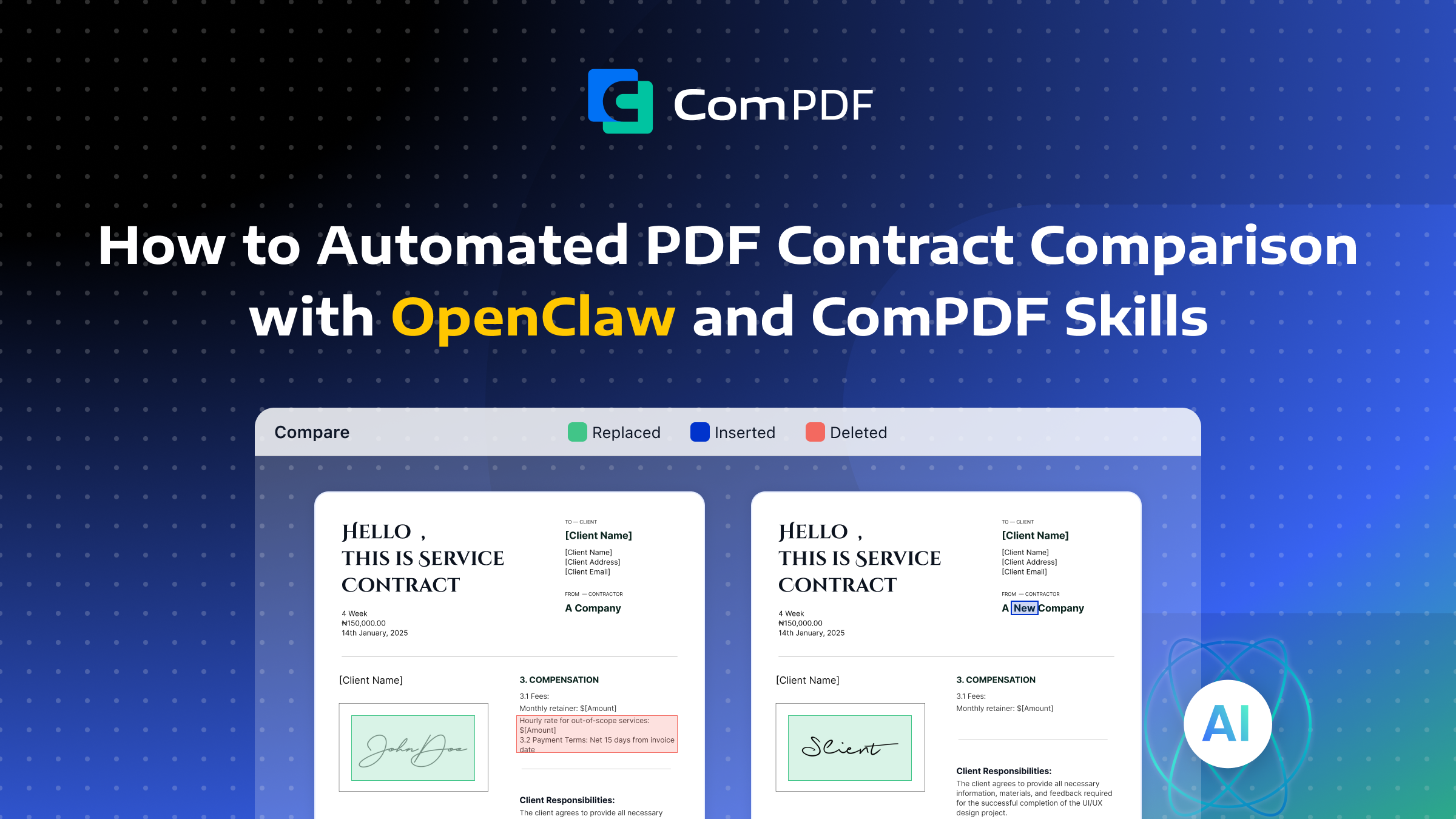
In business negotiations and contract reviews, issues such as version chaos, undetectable clause changes, and inefficient manual comparison processes often lead to critical modifications being missed.
Read this article to learn how to empower your AI Agent (using OpenClaw as an example) with ComPDF's PDF Editor Skills to automate contract version comparison—transforming a tedious, error‑prone manual task into an intelligent, automated workflow that pinpoints clause changes in minutes.
Step-by-Step: Building Your AI-Powered PDF Comparison Agent
Building your own automated contract comparison agent involves three straightforward steps.
Step 1: Install OpenClaw
First, you need an AI Agent runtime environment. OpenClaw is an open‑source AI assistant and supports multiple AI model providers and can be extended with “Skills” that add new capabilities.
Before installing, ensure your system meets the requirements:
-
Node.js version 22 or higher
-
A supported operating system (macOS 12+, Windows 10+ with WSL2, or a mainstream Linux distribution such as Ubuntu 22.04 with at least 2GB of memory).
Open your terminal and run the appropriate command for your operating system:
-
For macOS or Linux:
curl -fsSL https://openclaw.ai/install.sh | bash-
For Windows (PowerShell with Administrator privileges):
iwr -useb https://openclaw.ai/install.ps1 | iex
The installation script automatically detects your environment, installs Node.js if needed, and sets up OpenClaw. For detailed installation instructions, refer to the detailed OpenClaw installation guides.
Step 2: Install ComPDF Skills — PDF Editor
With OpenClaw running, the next step is to install ComPDF Skills. This skill equips your AI Agent with professional-grade PDF processing capabilities, including document comparison.
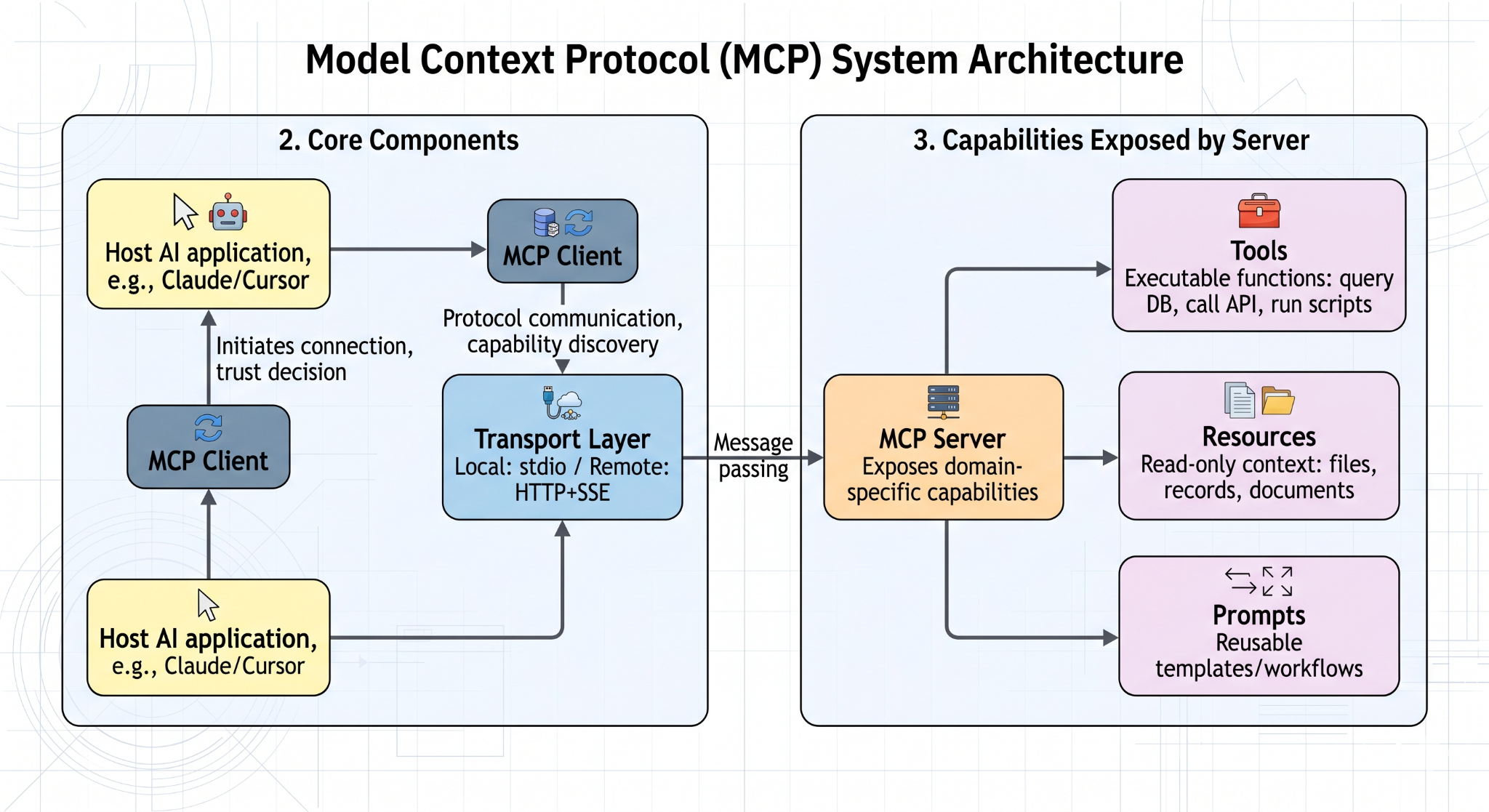
Send the following command directly to your Agent:
openclaw install youna12345/pdf-editor-compdf
The skill comes with a built-in trial license. On first use, you will be prompted to provide your email address. The skill automatically sends a request to the license server and returns an activation XML file. No manual configuration is required beyond this one‑time step. Once installed, your AI Agent gains the ability to:
| Category | Capabilities |
|---|---|
| Document Comparison | Character‑level content comparison with color‑coded annotations (deleted, added, replaced text) |
| High-Fidelity Conversion | Convert PDFs to Word, Excel, Markdown, HTML, CSV, JSON, and TXT while preserving original layouts, tables, and images |
| Page Manipulation | Merge, split, extract, rotate, and reorder PDF pages |
| OCR Recognition | Convert scanned documents and handwritten text into searchable, editable content |
| Security & Optimization | Encrypt, decrypt, compress, and add watermarks to PDF documents |
These capabilities transform OpenClaw from a basic reader into a true document processing assistant capable of executing fully automated contract comparison workflows.
Step 3: Start AI PDF Comparison
Once installation and activation are complete, you can instruct your AI Agent to perform contract comparison tasks. Here is a typical workflow:
Send a command to your Agent, for example:
Compare these two contract PDFs and highlight the differences in indemnification clauses and confidentiality provisions.
Upon receiving this instruction, the Agent automatically executes the following steps:
- Instruction parsing and task decomposition – The large language model breaks down your request into a structured task: compare two documents, focus on specified clauses, and output a different report.
- File location and retrieval – The Agent confirms the file paths you provided and reads both PDF documents from your local workspace.
- Invoke ComPDF Skills – The Agent calls ComPDF’s PDF comparison engine, which performs character‑by‑character analysis between the two contracts. The comparison engine marks deleted text in one color (e.g., red), added text in another (e.g., green), and replaced text accordingly.
- Generate comparison results – The Agent produces an annotated PDF report highlighting all differences, which can be saved as the original document with marked annotations, the new version with color annotations, or a combined document showing both versions side by side.
- Output and archive – The annotated comparison result file is presented to you. The entire process typically completes within minutes, depending on document length and complexity.
Why Compare PDF Contracts with ComPDF Editor Skills?
Several features make ComPDF Skills the ideal choice for automated contract comparison.
Extreme Comparison Precision
For text‑heavy documents such as contracts, reports, and essays, the ComPDF content comparison engine examines each character individually. Subtle modifications—a percentage change in liquidated damages, the addition or removal of a liability clause, or a modified notice period—are all marked with distinct colors for easy identification. Deletions appear in one color, additions in another, and replaced text is clearly highlighted.
For technical documents such as engineering blueprints or architectural drawings, the overlay comparison mode displays strokes from two versions in different colors, with blending effects showing where content coincides or diverges.
Local Processing and Data Privacy
All comparison logic runs locally within your OpenClaw environment. No contract files are uploaded to third‑party servers. This architecture ensures that sensitive business information—confidential pricing terms, proprietary clauses, trade secrets, and core contractual obligations—remains entirely under your control. For legal departments and enterprises handling highly sensitive documents, this local‑first approach is non‑negotiable.
Semantic Understanding Through LLM Integration
Unlike basic diff tools that only output textual differences, with PDF parsing Skills you can obtain ComPDF’s highly precise comparison results and pass them to a large language model, enabling your AI Agent to explain the business implications of these changes.
For example, it might state: “Version 2 increases the liquidated damages rate from 5% to 10%, significantly raising your default risk exposure.” This semantic understanding capability transforms raw comparison data into actionable business insights.
Seamless Export and Integration
Comparison results can be exported directly as PDF files with embedded annotations and highlights. These annotated reports can be shared with legal teams, compliance officers, or external counsel for secondary review. The output preserves the original document layout, ensuring that annotations are placed exactly where changes occur.
Key Application Scenarios
Automated PDF contract comparison is valuable across a wide range of business and legal contexts. Such as:
- Multi‑Round Negotiation Version Tracking: During back‑and‑forth negotiations, counterparties sometimes send revised drafts that deviate from verbally agreed terms. Instead of manually scanning each new version, your AI Agent can compare the latest draft against the previous agreed version and flag any unauthorized changes—whether it is a shifted delivery date, a modified governing law clause, or an added termination fee.
- Final Review Before Signing: Before putting pen to paper, verify that the contract ready for signature matches your final approved draft. This step prevents “bait‑and‑switch” scenarios where last‑minute changes are introduced without your knowledge, as well as simple printing or formatting errors that could create legal ambiguity.
- Standard Template Compliance Audits: Many organizations maintain standard contract templates with pre‑approved “red line” clauses that cannot be modified without escalation. When business teams submit contracts for review, your AI Agent can automatically compare each submission against the corporate template and quickly identify any deviations from approved language, allowing you to focus only on clauses that require attention.
- Framework Agreement Consistency Checks: For organizations using master framework agreements, individual statements of work, purchase orders, or supplemental agreements must stay within the scope authorized by the master agreement. Your Agent can compare these subordinate documents against the framework agreement to ensure that no obligations are expanded beyond what was originally negotiated.
- Renewal and Historical Traceability: When renewing a contract or resolving a dispute, understanding how key clauses have evolved over multiple versions is often critical. Your AI Agent can compare historical versions side by side, tracing the trajectory of liability caps, indemnification scopes, termination rights, and other essential provisions. This historical insight supports both business decision‑making and legal argumentation.
Conclusion
By integrating ComPDF’s PDF Editor Skills into OpenClaw, you transform manual, error‑prone contract comparison into an automated, intelligent workflow. Your AI Agent gains the ability to precisely identify every character‑level change, understand the semantic impact of those changes, and produce annotated reports ready for legal review.
Whether you are negotiating a complex commercial agreement, auditing internal compliance, or managing a portfolio of active contracts, this combination of local‑first privacy, extreme precision, and LLM‑powered understanding delivers a powerful solution.
Install OpenClaw, add the PDF Editor Skill of ComPDF, and let your AI Agent become your most meticulous legal assistant.