
Integrate the PDF Viewer Package
compdf_viewer is a ready-to-use Flutter PDF viewer package built on top of ComPDF Flutter SDK. Rather than building PDF viewing UI from scratch, you can drop this package into your project and get a fully interactive PDF reading experience — including annotations, bookmarks, text search, thumbnails, and more — out of the box.
The package uses GetX for routing, state management, and dependency injection, and ships with English and Chinese localizations.
| Android | iOS |
|---|---|
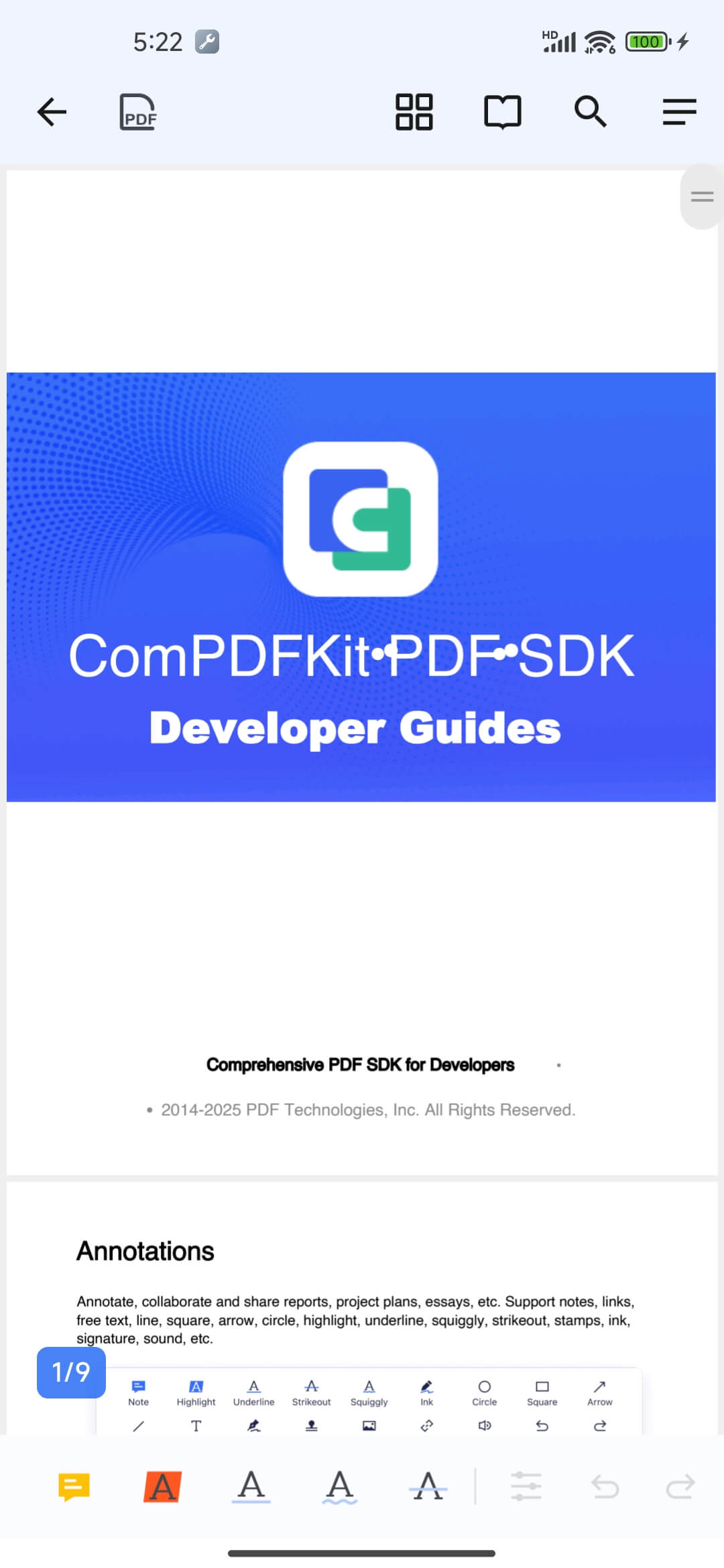 | 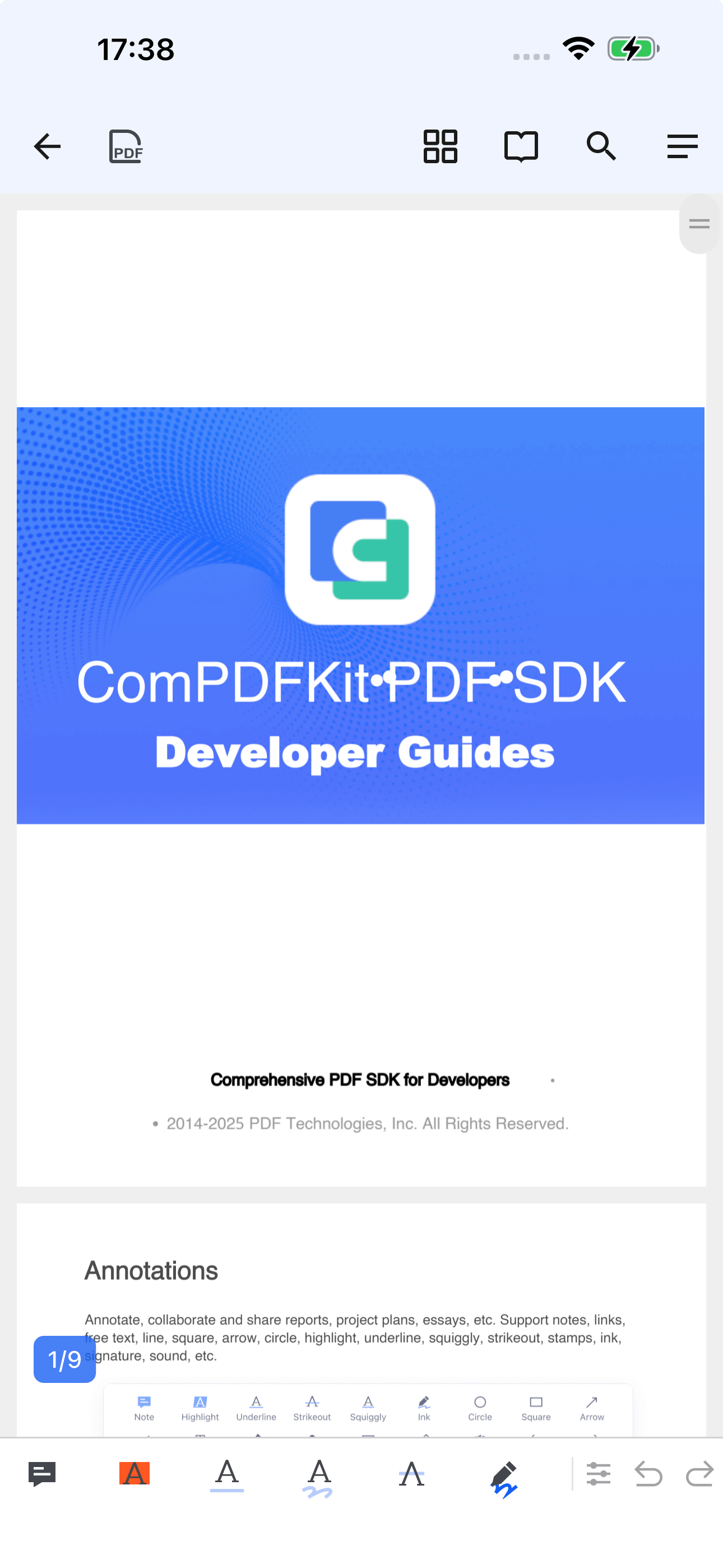 |
What's Included
| Category | Details |
|---|---|
| PDF Viewing | Single page, double page, and continuous scroll modes |
| Annotations | Note, highlight, underline, strikeout, ink drawing, shapes (rectangle, circle, line, arrow), stamps, signatures |
| Navigation | BOTA panel — Bookmarks, Outlines, Thumbnails, Annotations list |
| Text Search | Full-text search with context snippets and result highlighting |
| Document Security | Password protection, encryption, permission settings |
| Content Editing | Edit PDF text and images directly; undo/redo support |
| Export | Convert PDF pages to images, flatten annotations |
| UI | Dark mode support, built-in English and Chinese translations |
Package Structure
The package follows a feature-based architecture with GetX. Each feature is a self-contained module with its own controller, model, and widgets.
lib/
├── compdf_viewer.dart   # Public API & exports
├── core/                # Global settings, SDK initialization, bindings, constants
├── features/
│   ├── viewer/          # Main PDF rendering page + controller
│   ├── annotation/      # Annotation toolbar & property editors
│   ├── bota/            # Bookmarks, Outlines, Thumbnails, Annotations list
│   ├── search/          # Full-text search
│   ├── navigation/      # Side drawer
│   ├── security/        # Password/encryption dialogs
│   ├── convert/         # PDF-to-image export
│   └── info/            # Document metadata display
├── l10n/                # English and Chinese translations
├── router/              # GetX route definitions
├── shared/              # Reusable widgets, controllers, dialogs
└── utils/ # File, page, screen utilitiesKey classes:
| Class | Role |
|---|---|
PdfViewerGlobal | SDK initialization and logger |
PdfViewerController | Main PDF viewer state and controls |
PdfAnnotationToolBarController | Annotation tool selection and property management |
PdfSearchController | Text search state and result navigation |
PdfViewerRoutes | Route path constants |
PdfViewerPages | GetX page configuration list |
Prerequisites
| Requirement | Minimum Version |
|---|---|
| Flutter | 3.3.0 |
| Dart SDK | 3.0.5 |
Android minSdkVersion | 21 |
| iOS deployment target | 12.0 |
| ComPDF license | Required — get a free trial |
Getting Started
Add the dependency
compdf_viewer is located in the ComPDF Flutter SDK repository under example/packages/compdf_viewer. Copy it into your project, then reference it in pubspec.yaml:
dependencies:
  flutter:
    sdk: flutter
  compdf_viewer:
    path: packages/compdf_viewer
get: ^4.7.2Fetch packages
flutter pub getAdd your license file
Copy your ComPDF license file to your app's assets folder (e.g. assets/license_key_flutter.xml) and declare it in pubspec.yaml:
flutter:
  assets:
- assets/license_key_flutter.xmlInitialize the SDK
Call PdfViewerGlobal.init() before runApp():
import 'package:compdf_viewer/compdf_viewer.dart';
import 'package:flutter/material.dart';

void main() async {
  WidgetsFlutterBinding.ensureInitialized();

  // Initialize ComPDF with your license file path
  await PdfViewerGlobal.init('assets/license_key_flutter.xml');

  runApp(const MyApp());
}Register routes and translations
compdf_viewer ships with GetX routing and i18n. Register them in your GetMaterialApp:
import 'package:get/get.dart';
import 'package:compdf_viewer/compdf_viewer.dart';

class MyApp extends StatelessWidget {
  const MyApp({super.key});

  @override
  Widget build(BuildContext context) {
    return GetMaterialApp(
      // Register translations (English + Chinese)
      translations: PdfViewerTranslations(),
      locale: Get.deviceLocale,
      fallbackLocale: const Locale('en', 'US'),

      // Register PDF viewer routes
      getPages: [
        ...PdfViewerPages.routes,
        // ...your other routes
      ],

      home: const HomePage(),
    );
  }
}Open a PDF
Navigate to the PDF viewer page by passing the absolute file path:
Get.toNamed(
  PdfViewerRoutes.pdfPage,
  arguments: {'document': '/absolute/path/to/document.pdf'},
);That's it. The viewer opens with a full annotation toolbar, search, bookmarks, and all built-in features enabled.
Dependencies
| Package | Purpose |
|---|---|
compdfkit_flutter | PDF rendering and SDK core |
get | State management, DI, and routing |
shared_preferences | Persistent viewer settings |
flutter_colorpicker | Annotation color picker UI |
share_plus | Share PDF files |
file_picker | Open files from device storage |
path_provider | Access device directories |
flutter_svg | Render toolbar SVG icons |
logger | Debug and error logging |
Further Reading
- Annotation Guide — Learn how the annotation model works and how to use the annotation API directly
- Security Guide — Password protect and apply permissions to documents
- Configuration Reference — Full options for customizing the viewer
- API Reference — ComPDF Flutter SDK public API