
PDF Generation Template Editor
Open-source visual PDF generation engine with customizable templates and developer-friendly APIs.
This section will help you to quickly get started with ComPDFKit PDF SDK to make a Java application with step-by-step instructions.


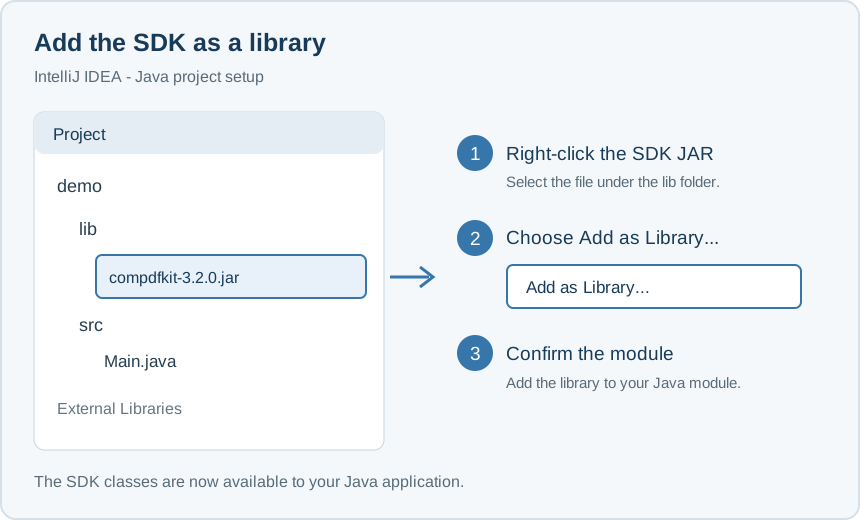
Right click on the SDK and select Add as Library....
Add the following code to Main.java:
static{
    try {
       NativeKMPDFKit.initialize("your license", "your deviceId", "", Constants.LIB_DIR_NAME);
    } catch (FileNotFoundException e) {
          throw new RuntimeException(e);
    }
}Start the main method to print out the information of your computer's system version. If the information is printed successfully, you have integrated ComPDFKit PDF SDK for Java successfully!

Problems
If you meet some other problems when integrating our ComPDFKit PDF SDK for Java, feel free to contact ComPDFKit team.